Message


Dell S2725DS

Prime FBA
As an Amazon Associate I earn from qualifying purchases.

Dell S2725DS Review & Specifications

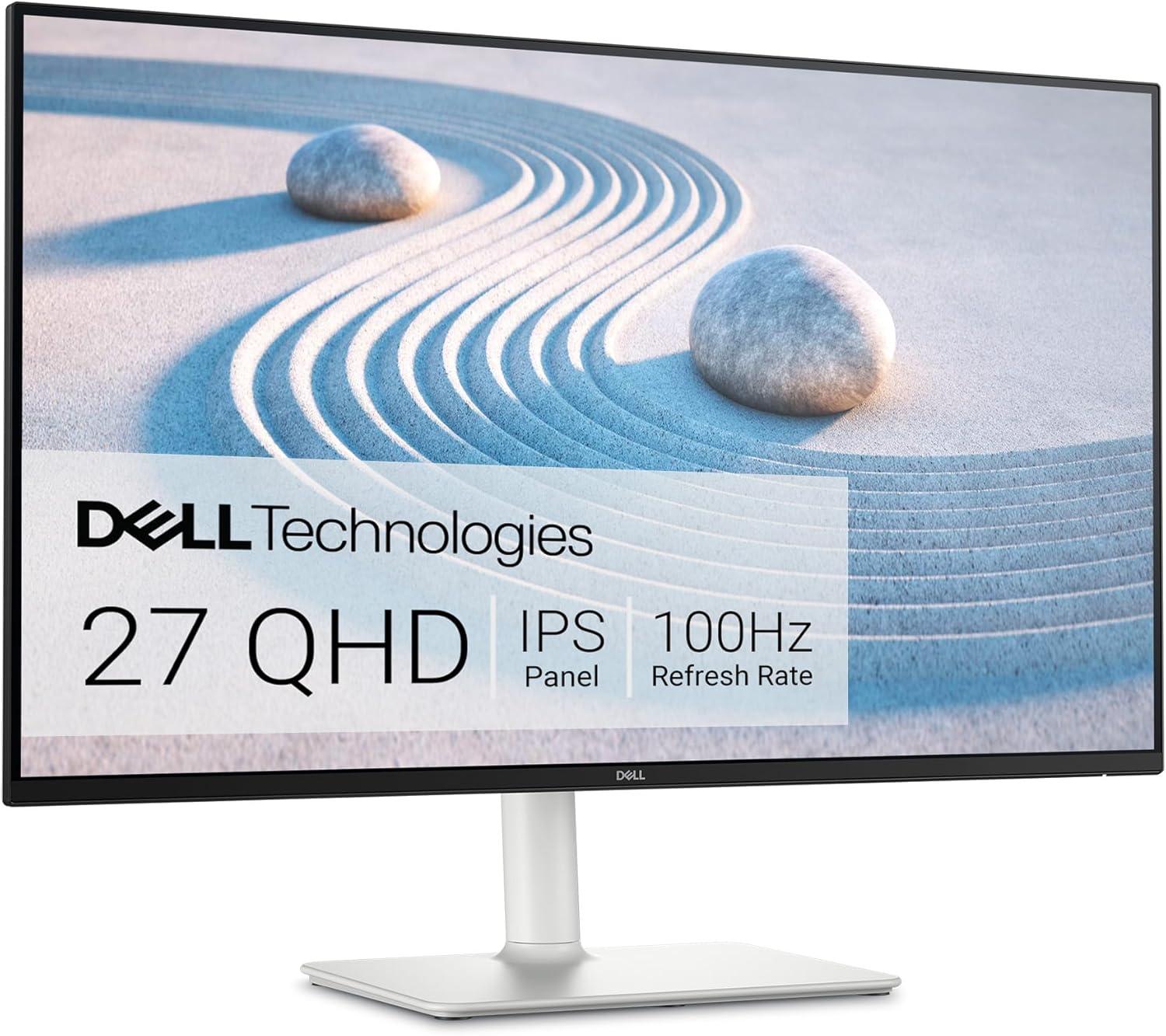
S2725DS by Dell is a 27.00″ IPS monitor with a resolution of 2560 × 1440 pixels (1.778:1, 16:9 aspect ratio) and a refresh rate of up to 100 Hz. It supports a 8-bit color depth, displays up to 16777216 colors, and offers the following color space coverage: 99.00% sRGB . The panel delivers 350 nits of brightness, has a static contrast ratio of 1500:1, a response time of 4.00 ms. It has a pixel density of 109 PPI, with viewing angles of 178 ° (degrees)° horizontal and 178 ° (degrees)° vertical. The screen covers 92.04% of the front surface. It uses a W-LED backlight and has a Anti-glare/Matte (3H) screen coating. Built-in 2 x 5 W (watts) speakers are included. Typical power consumption is 21.40 W, with a maximum of 57.00 W.

General Work Usage

The Dell S2725DS delivers a modest 63.1% productivity score, making it suitable for casual or part-time work tasks like email, browsing, or occasional document editing. It utilizes an IPS panel—a top-tier choice for productivity. IPS and similar panels deliver exceptional color accuracy, wide viewing angles, and consistent brightness across the screen. Their resistance to burn-in makes them especially well-suited for prolonged use involving static content like spreadsheets, toolbars, and text editors. The monitor’s high resolution of 2560×1440 delivers sufficient screen space for most productivity tasks, though less than ultra-wide or 4K displays. The pixel density of 109 ppi provides adequately crisp text without requiring scaling, though pixel edges may become noticeable when sitting close or working with fine content. The brightness level of 350 nits, is generally sufficient for standard indoor lighting, but may struggle slightly in bright daylight environments.

The Dell S2725DS has color space coverage of: 99.00% sRGB , which gives this monitor moderate color gamut coverage, acceptable for general media consumption, light image editing, or office tasks involving visuals. However, it may not display colors as accurately or vibrantly as wide-gamut monitors. The combination of standard 8-bit panel and average gamut coverage means this display is best used for basic content rather than any precision visual work.

The work performance-per-price ratio of the Dell S2725DS is 66.4%, placing it in the mid-value category. Although its cost-effectiveness is acceptable, the modest 63.1% suitability may limit its role to light or occasional productivity use.

Gaming and Media Usage

The Dell S2725DS provides a modest 66.7% entertainment score, making it a viable option for casual gaming, streaming, and everyday media consumption. It utilizes an IPS panel, which is widely appreciated for accurate color reproduction, wide viewing angles, and consistent brightness. These panels are a balanced and reliable choice for gamers who enjoy vivid visuals and moderate HDR. High-end IPS models often support local dimming zones and high peak brightness levels, enhancing the experience in HDR games and bright rooms. While response times are slightly slower than OLED or TN, recent advancements have greatly reduced motion blur and input lag. The monitor’s high resolution of 2560×1440 strikes a good balance between image sharpness and system performance, making it suitable for most gaming scenarios without overly taxing the GPU. The monitor’s 100 Hz refresh rate offers a smoother experience than 60 Hz, benefiting casual gaming and media consumption, and the 4.00 ms response time handles motion with decent clarity.

The monitor offers excellent ergonomic capabilities, allowing for highly customizable positioning that supports long, comfortable usage sessions across both work and entertainment, and features limited connectivity, which could be restrictive for users with more complex or peripheral-heavy configurations.

Specific ergonomic adjustments and connectivity details can be found in the specifications section below.

Performance per Price

The gaming performance-per-price ratio of the Dell S2725DS is 49.1%, placing it in the mid-value category. The monitor’s average gaming suitability score of 66.7% suggests it may be better suited for casual or mixed-use setups rather than dedicated gaming rigs.

The Dell S2725DS falls into the mid-value range, with a performance-per-price score of 63.6%. Its average build quality (60.4 pts) may limit its appeal compared to other similarly priced options, though the value score remains competitive.

Monitor Information

ManufacturerDell
Monitor ModelS2725DS
Current Price Amazon $190 ❗N/A
Amazon Price Updated 2 weeks, 6 days ago.
Launch Date2 years, 6 months ago.
Monitor AvailableFalse
Panel Size / Type27.00" / IPS
Resolution2560 x 1440 pixels, Quad HD (QHD) / 1440p
Refresh Rate / Response Time100 Hz / 4.00 ms
Brightness / Contrast 350 nits / 1500:1
Color Depth / Coverage 8-bit / sRGB: 99.00%
Pixel Density109 PPI
Viewing Angles178 ° (degrees)° / 178 ° (degrees)°
Screen Ratio / Curvature Screen-to-Body Ratio: 92.04% , Flat screen
Backlight / Coating W-LED
Anti-glare/Matte (3H)
Speakers2 x 5 W (watts)
Power Consumption Typical: 21.40 W , Max: 57.00 W

Performance and Features Evaluation (Max 100 pts)

Calculated Performance and Performance per Price Scores

Additional Features and Information

Connectivity2 x HDMI 1.4, 1 x DisplayPort 1.2
Ergonomic Adjustments Height Adjustment , Pivot , Swivel , Tilt , VESA Mount (100x100mm)
Included AccessoriesHDMI cable
Additional Features3-sided bezelless design, Dell Display Manager with Easy Arrange, Flicker-free technology, Low Blue Light

S2725DS Compared to Monitors with Similar Performance and Features

Monitor Quality & Features per Price Table

Brand Monitor (Desc) Price (Desc) Work (Desc) Play (Desc) Overall (Desc) Work/$ (Desc) Game/$ (Desc) Overall/$ (Desc)
Lenovo
ThinkVision T34w-30
$461 | ↓ -5.2%
65.4%
65.2%
60.1%
28.4%
19.8%
26.1%
iiyama
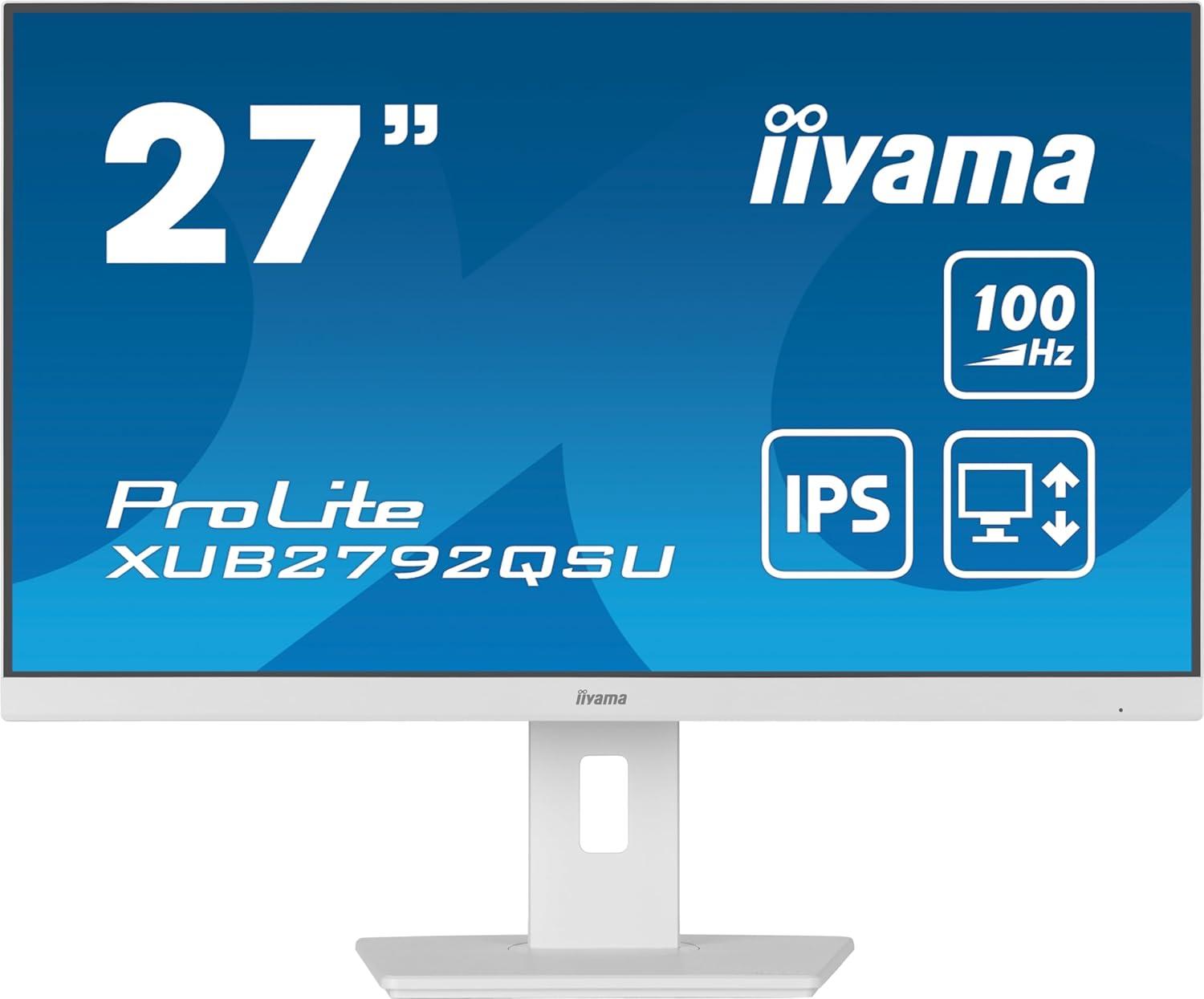
ProLite XUB2792QSU-B6
$334❗ | 0.0%
65.0%
63.9%
60.8%
38.9%
26.8%
36.4%
Dell
S2725DS
$190❗ | ↓ -5.0%
63.1%
66.7%
60.4%
66.4%
49.1%
63.6%
ASUS
TUF Gaming VG34VQ3B
$325 | ↑ 37.3%
56.9%
72.9%
60.8%
35.1%
31.4%
37.5%
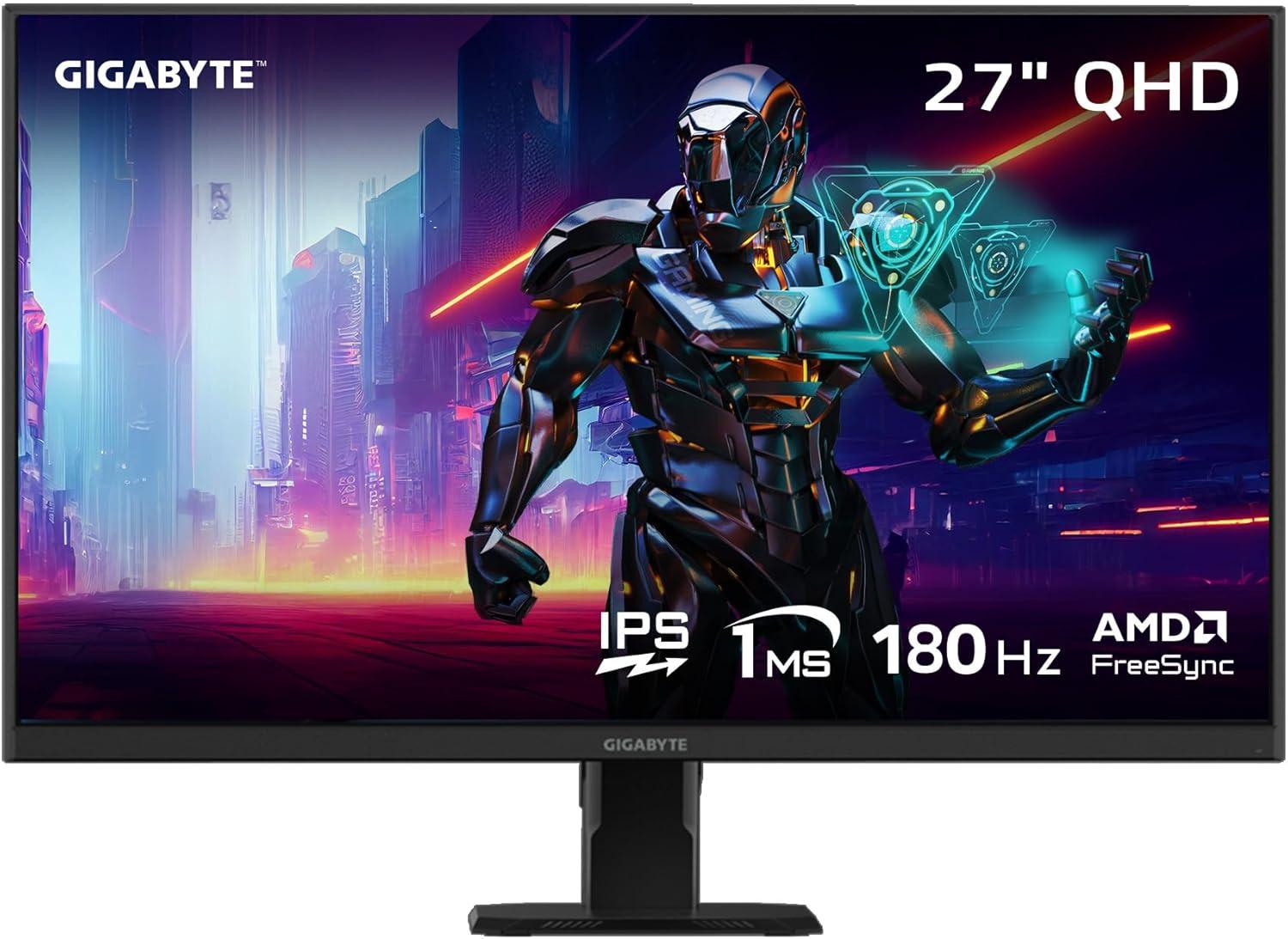
GIGABYTE
GS27Q
$140 | ↓ -12.4%
56.0%
71.8%
59.8%
80.0%
71.8%
85.4%
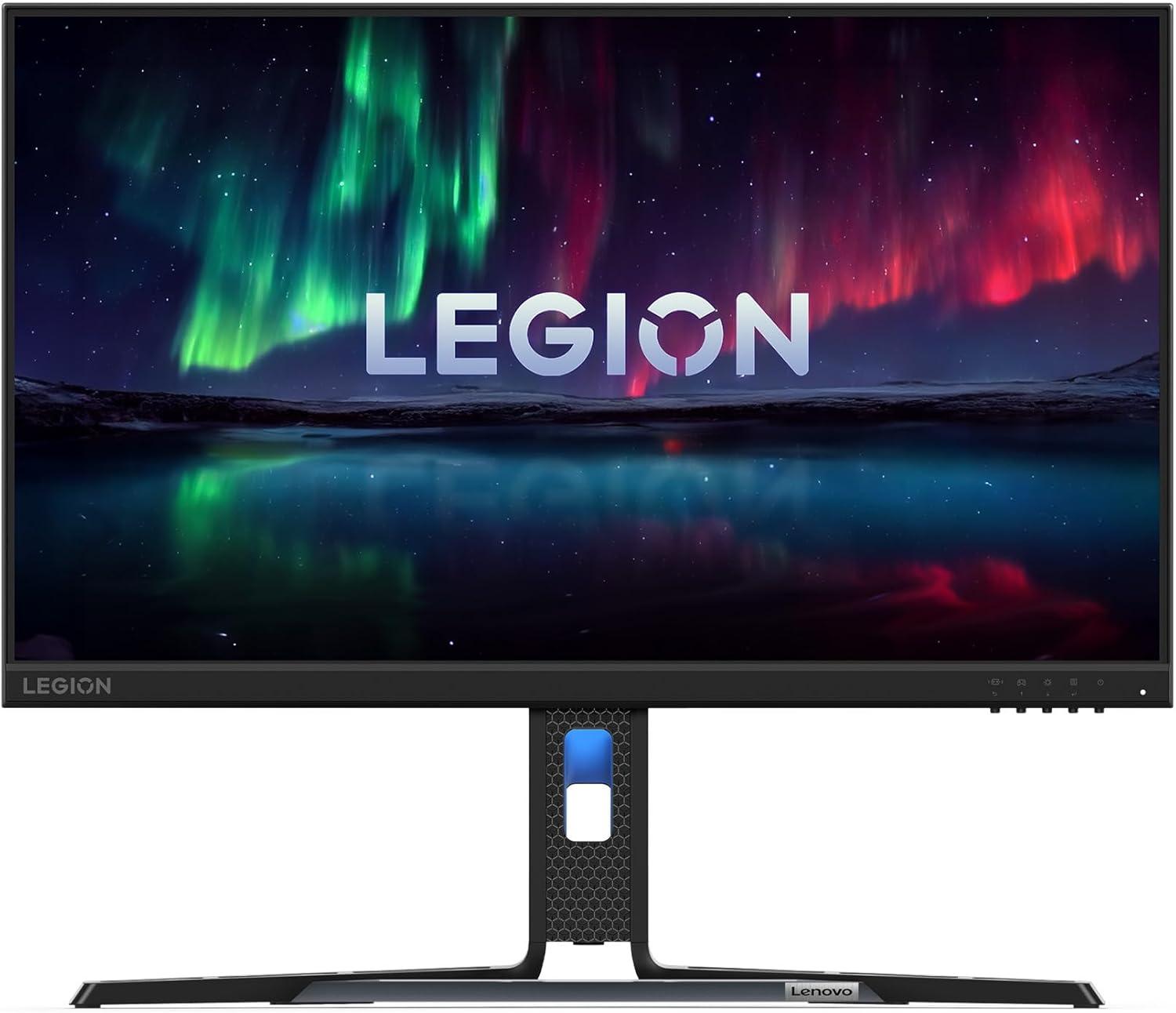
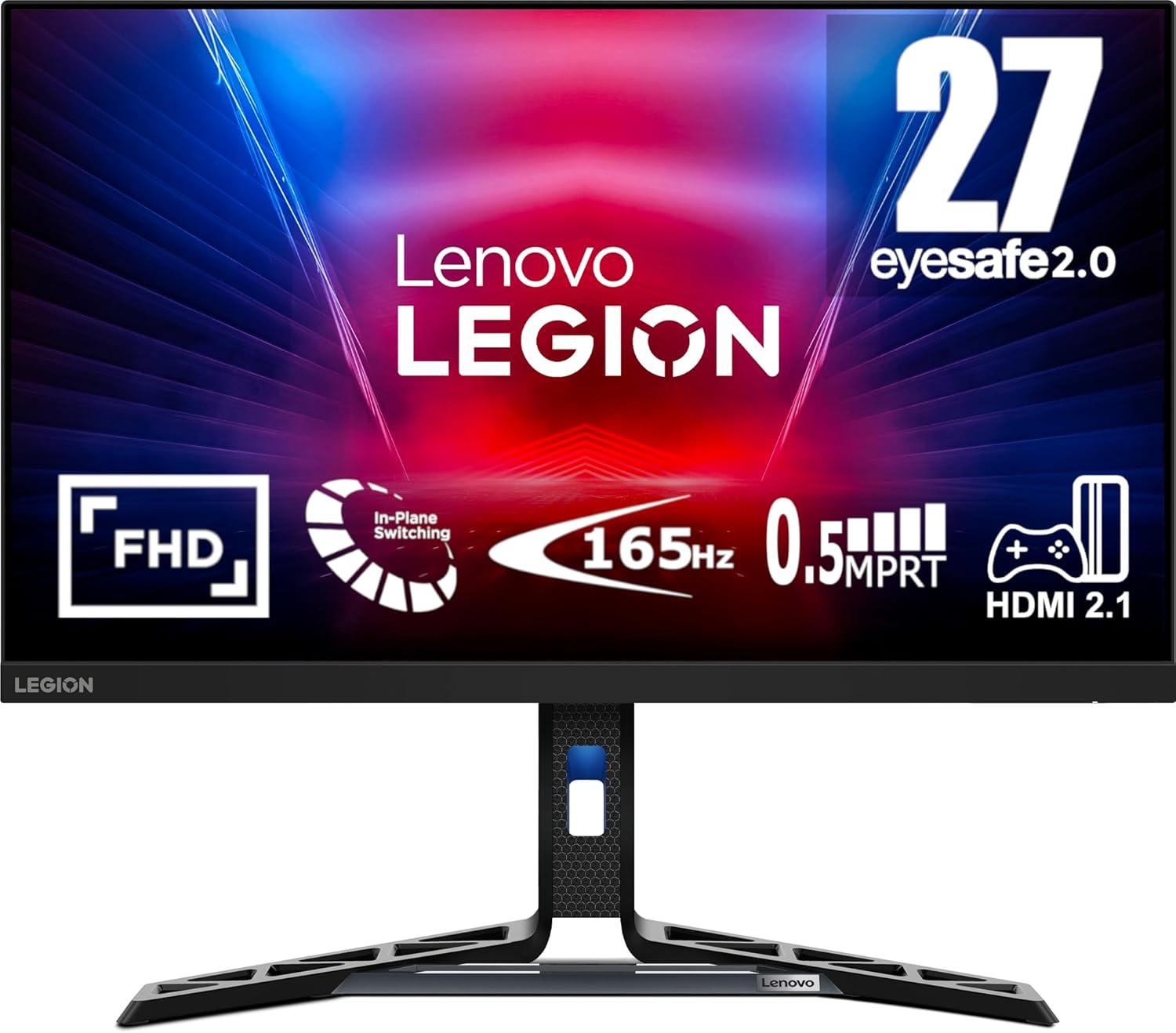
Lenovo
Legion R27i-30
$230❗ | 0.0%
55.2%
79.8%
60.6%
48.0%
48.6%
52.7%
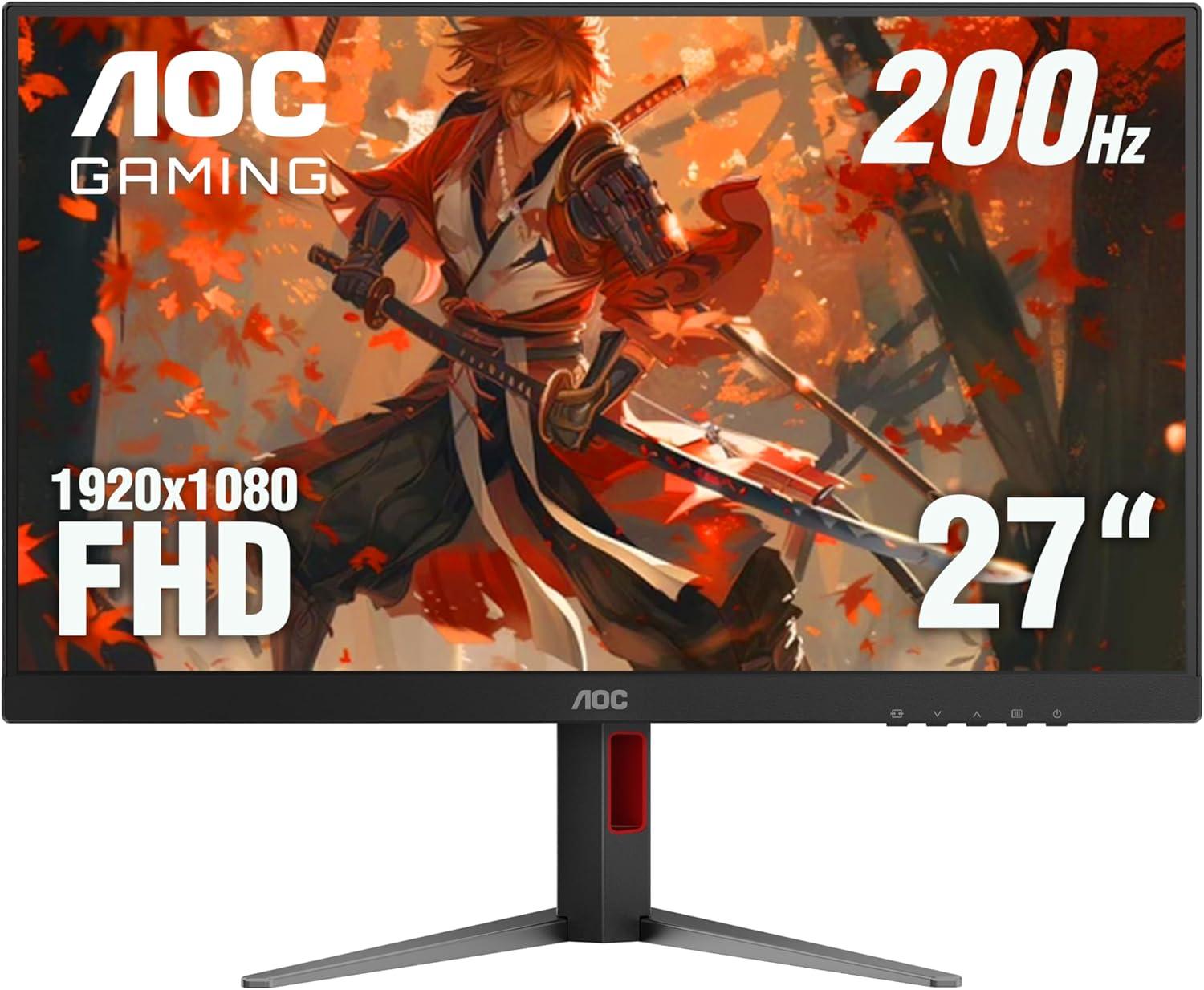
AOC
27G4H
$110 | 0.0%
53.8%
78.3%
59.7%
97.8%
99.7%
108.6%
LG
27GS60QC
$150 | 0.0%
51.6%
76.1%
59.9%
68.8%
71.0%
79.9%
AOC
CQ32G4VE
$190 | 0.0%
51.0%
76.4%
60.6%
53.7%
56.3%
63.8%

Monitor Comparison and Detail Specifications Table

Specification
ThinkVision T34w-30
Lenovo ThinkVision T34w-30
ProLite XUB2792QSU-B6
iiyama ProLite XUB2792QSU-B6
S2725DS
Dell S2725DS
TUF Gaming VG34VQ3B
ASUS TUF Gaming VG34VQ3B
GS27Q
GIGABYTE GS27Q
Legion R27i-30
Lenovo Legion R27i-30
27G4H
AOC 27G4H
27GS60QC
LG 27GS60QC
CQ32G4VE
AOC CQ32G4VE
Perf Chart
Price
$461 | ↓ -5.2%
$334❗ | 0.0%
$190❗ | ↓ -5.0%
$325 | ↑ 37.3%
$140 | ↓ -12.4%
$230❗ | 0.0%
$110 | 0.0%
$150 | 0.0%
$190 | 0.0%
Brand Lenovo iiyama Dell ASUS GIGABYTE Lenovo AOC LG AOC
Size / Type 34.00" / VA 27.00" / IPS 27.00" / IPS 34.00" / VA 27.00" / IPS 27.00" / IPS 27.00" / IPS 27.00" / VA 31.50" / VA
Resolution 3440 × 1440 2560 × 1440 2560 × 1440 3440 × 1440 2560 × 1440 1920 × 1080 1920 × 1080 2560 × 1440 2560 × 1440
Hz / Response 60 Hz / 4.00 ms 100 Hz / No data ms 100 Hz / 4.00 ms 180 Hz / No data ms 170 Hz / No data ms 165 Hz / 1.00 ms 200 Hz / 1.00 ms 180 Hz / 1.00 ms 180 Hz / 1.00 ms
Nits / Contrast 350 nits / 3000:1 250 nits / 1300:1 350 nits / 1500:1 400 nits / 4000:1 300 nits / 1000:1 350 nits / 1000:1 300 nits / 1000:1 300 nits / 3000:1 300 nits / 3500:1
Color / Coverage 8-bit / sRGB: 99.00% 8-bit / sRGB: 99.00% 8-bit / sRGB: 99.00% 8-bit / DCI-P3: 90.00% 8-bit / sRGB: 108.00% 8-bit / DCI-P3: 90.00% 8-bit / DCI-P3: 91.00% 8-bit / sRGB: 99.00% 8-bit / DCI-P3: 92.40%
Pixel Density 110 PPI 109 PPI 109 PPI 110 PPI 109 PPI 81 PPI 81 PPI 108 PPI 93 PPI
Curvature 1500R Flat Flat 1500R Flat Flat Flat 1000R 1500R
Backlight W-LED W-LED W-LED W-LED W-LED W-LED W-LED W-LED W-LED
Coating Anti-glare/Matte (3H) Anti-glare/Matte Anti-glare/Matte (3H) Anti-glare/Matte (3H) Anti-glare/Matte Anti-glare/Matte Anti-glare/Matte (3H) Anti-glare/Matte (3H) Anti-glare/Matte (3H)
Speakers 2 x 2 W (watts) 2 x 5 W (watts) 2 x 2 W (watts) 2 x 3 W (watts)
HDR No data No data No data No data No data No data No data HDR10 HDR10
Local Dimming
Power No data Typical: 25.00W Typical: 21.40W , Max: 57.00W Typical: 18.00W Typical: 33.00W Typical: 21.00W , Max: 46.00W Typical: 23.00W Typical: 19.00W Typical: 35.00W
Panel Brand No data No data No data No data No data No data No data No data No data

Monitor Specifications Table

Brand Monitor (Desc) Size Resolution Panel Type Bright. Contrast Depth Hz Resp. Curvature
Lenovo
ThinkVision T34w-30
34.00" 3440 × 1440 VA 350 nits 3000 : 1 8-bit 60 Hz 4.00 ms 1500 mm
iiyama
ProLite XUB2792QSU-B6
27.00" 2560 × 1440 IPS 250 nits 1300 : 1 8-bit 100 Hz None ms Flat
Dell
S2725DS
27.00" 2560 × 1440 IPS 350 nits 1500 : 1 8-bit 100 Hz 4.00 ms Flat
ASUS
TUF Gaming VG34VQ3B
34.00" 3440 × 1440 VA 400 nits 4000 : 1 8-bit 180 Hz None ms 1500 mm
GIGABYTE
GS27Q
27.00" 2560 × 1440 IPS 300 nits 1000 : 1 8-bit 170 Hz None ms Flat
Lenovo
Legion R27i-30
27.00" 1920 × 1080 IPS 350 nits 1000 : 1 8-bit 165 Hz 1.00 ms Flat
AOC
27G4H
27.00" 1920 × 1080 IPS 300 nits 1000 : 1 8-bit 200 Hz 1.00 ms Flat
LG
27GS60QC
27.00" 2560 × 1440 VA 300 nits 3000 : 1 8-bit 180 Hz 1.00 ms 1000 mm
AOC
CQ32G4VE
31.50" 2560 × 1440 VA 300 nits 3500 : 1 8-bit 180 Hz 1.00 ms 1500 mm

Add Comment on S2725DS