Choose compatible parts
Each choice narrows the next step using socket, memory, form factor, clearance, cooling, and power rules.
Data-driven PC decisions
Compare parts, understand their real value, and see how every component affects the performance of the complete build—not just whether it fits.
More than compatibility
Start with compatibility, then see the performance, value, and power result produced by the parts working together.
Each choice narrows the next step using socket, memory, form factor, clearance, cooling, and power rules.
CPU, motherboard, RAM, GPU, and resolution are modeled together so likely limits are visible.
Compare system performance, value, price, and estimated PSU demand in one report.
Explore the database
Open a full comparison table, or jump directly to the performance and value views for a category.
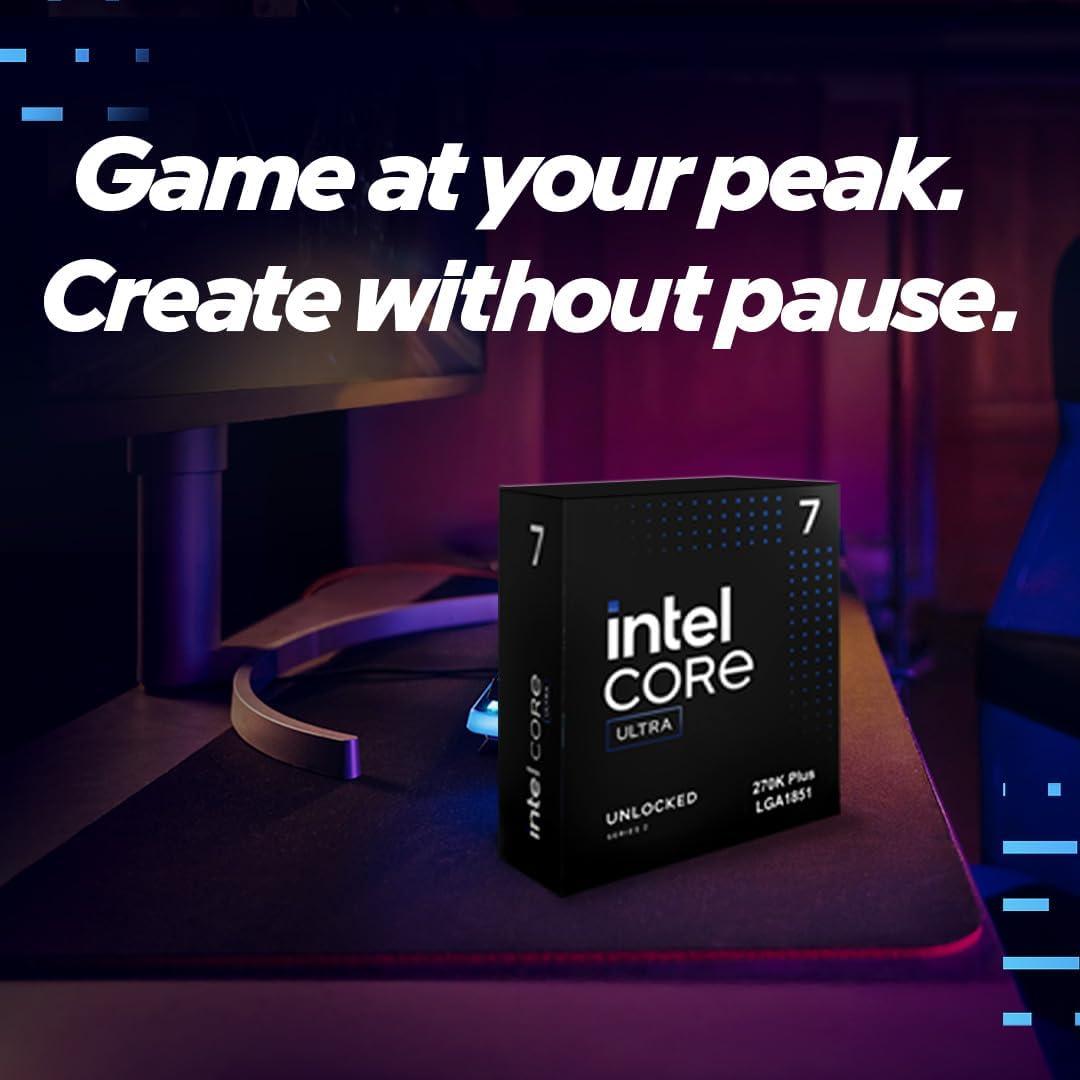
Application, gaming, power, and value data for desktop processors.
Open tableResolution-aware GPU rankings from 1080p through 4K.
Open tableRetail board models, cooling designs, dimensions, prices, and value.
Open tableVRM, chipset, expansion, connectivity, audio, and overall quality scores.
Open tableMemory speed, latency, capacity, performance, and value comparisons.
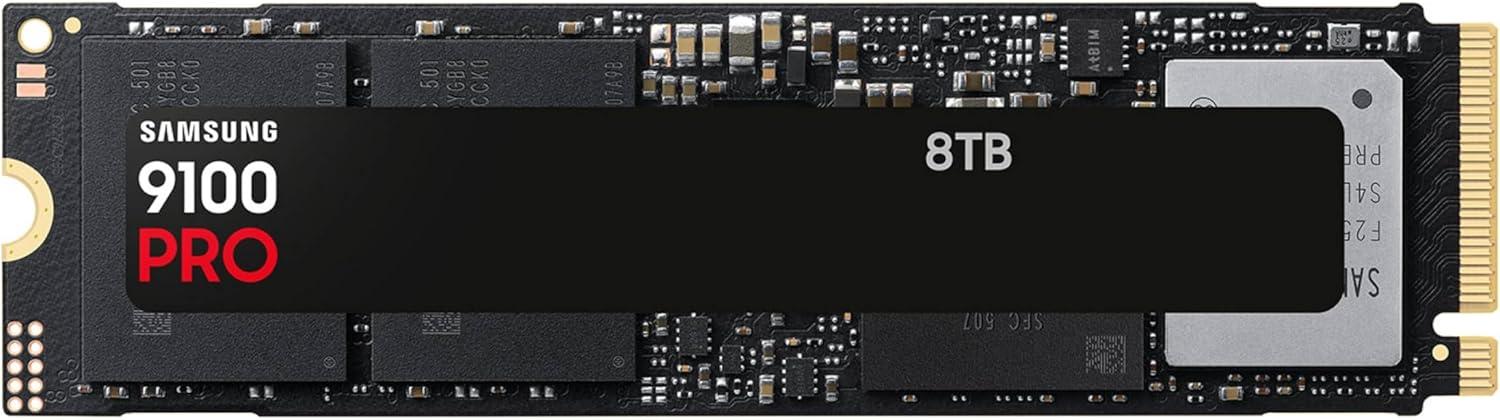
Open tableSequential speed, random I/O, DRAM, capacity, and price-per-terabyte.
Open tablePower output, efficiency, warranty, features, and value.
Open tableBuild quality, cooling, storage, connectivity, and compatibility.
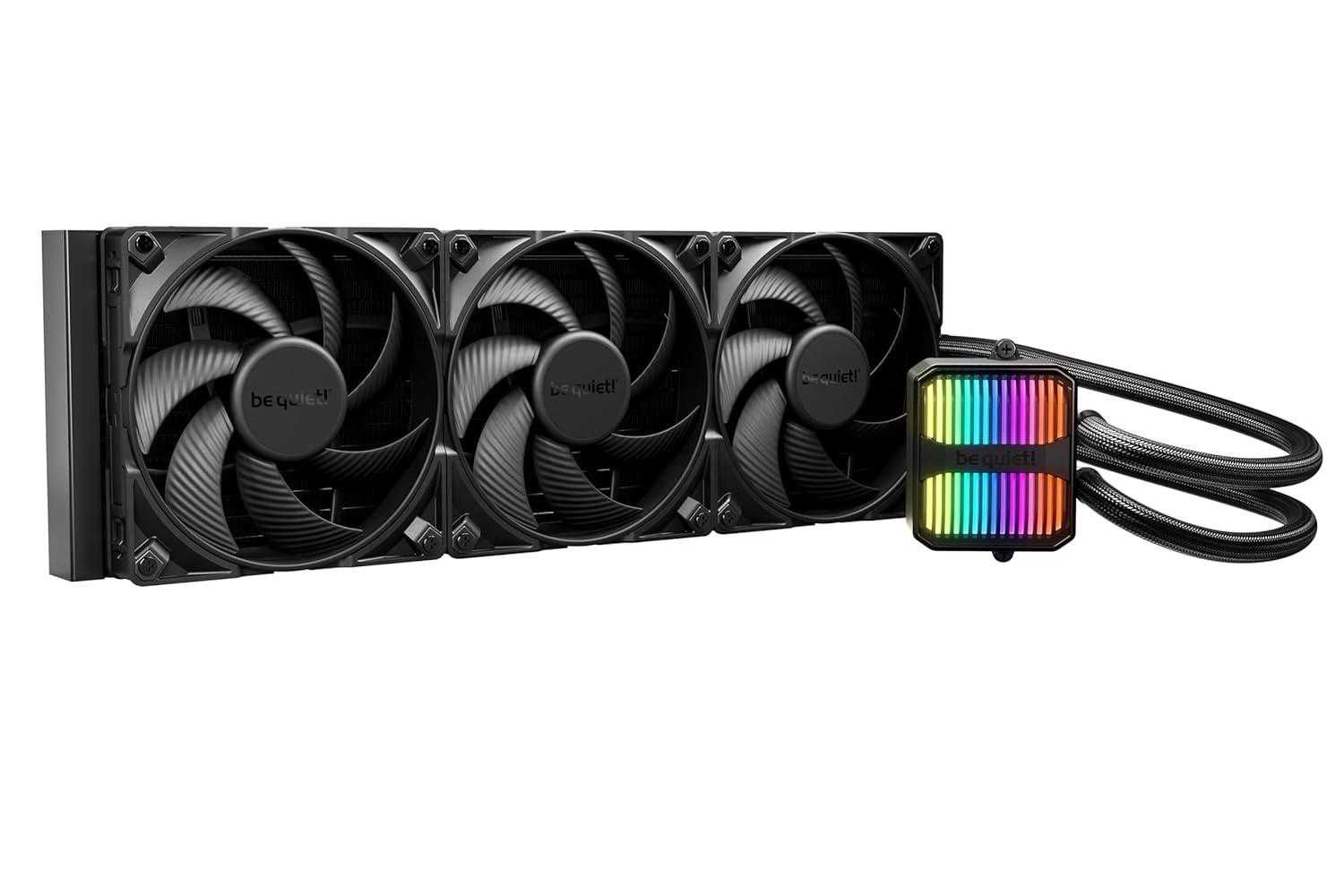
Open tableThermal performance, noise, dimensions, compatibility, and value.
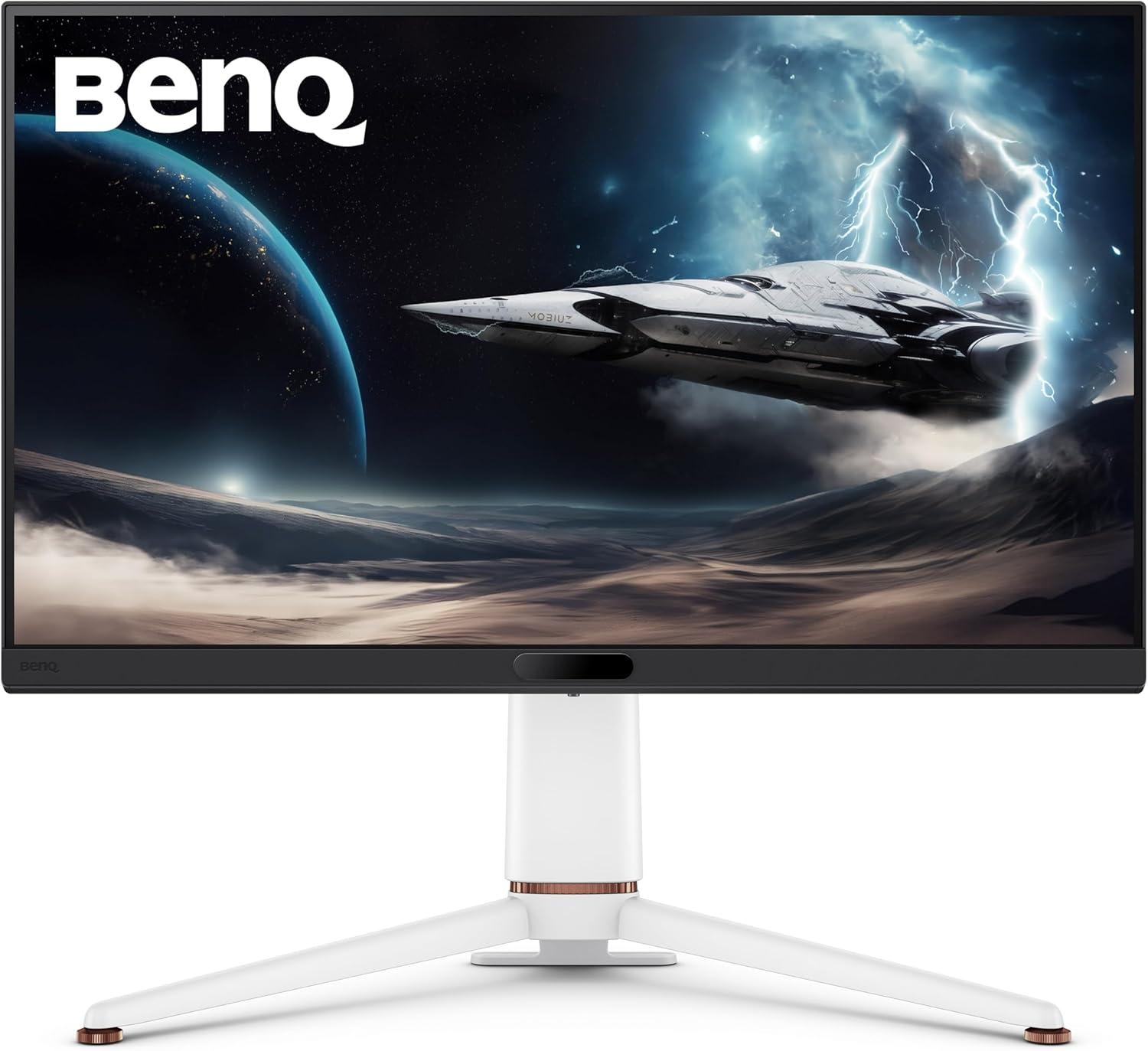
Open tableGaming, productivity, display quality, ergonomics, and value scores.
Open tableOne-click answers
These cards preview the same scored data behind the full comparison tables.
See the difference
Performance and value charts turn a large component database into an answer you can read quickly.
A decision system, not a spec dump
Specifications, benchmarks, availability, and prices are normalized into comparable scores. The detailed methodology remains available whenever you need to inspect a result.
Learn about PCSpecChartComponent specifications, benchmark-relative metrics, availability, and current prices.
Different hardware categories become readable performance and quality scores.
The builder models compatibility and how selected parts influence one another.
Compare performance, value, power, and price with direct paths to the full data.
Hardware knowledge
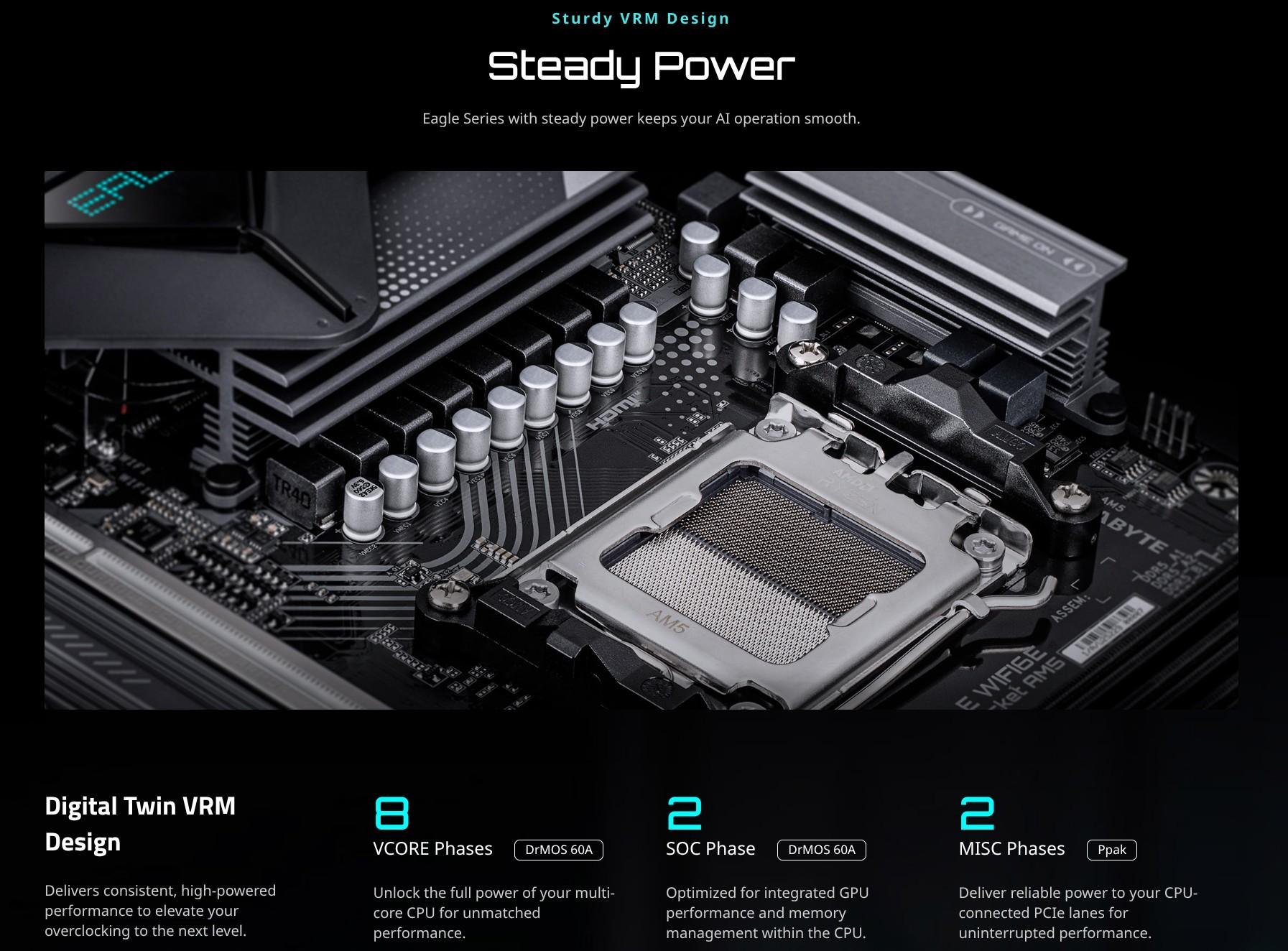
When you compare motherboards, you’ll often see marketing claims like “16-phase VRM” or “20+1 power stage design.” At first glance, it might seem like a bigger number is always be…
Read article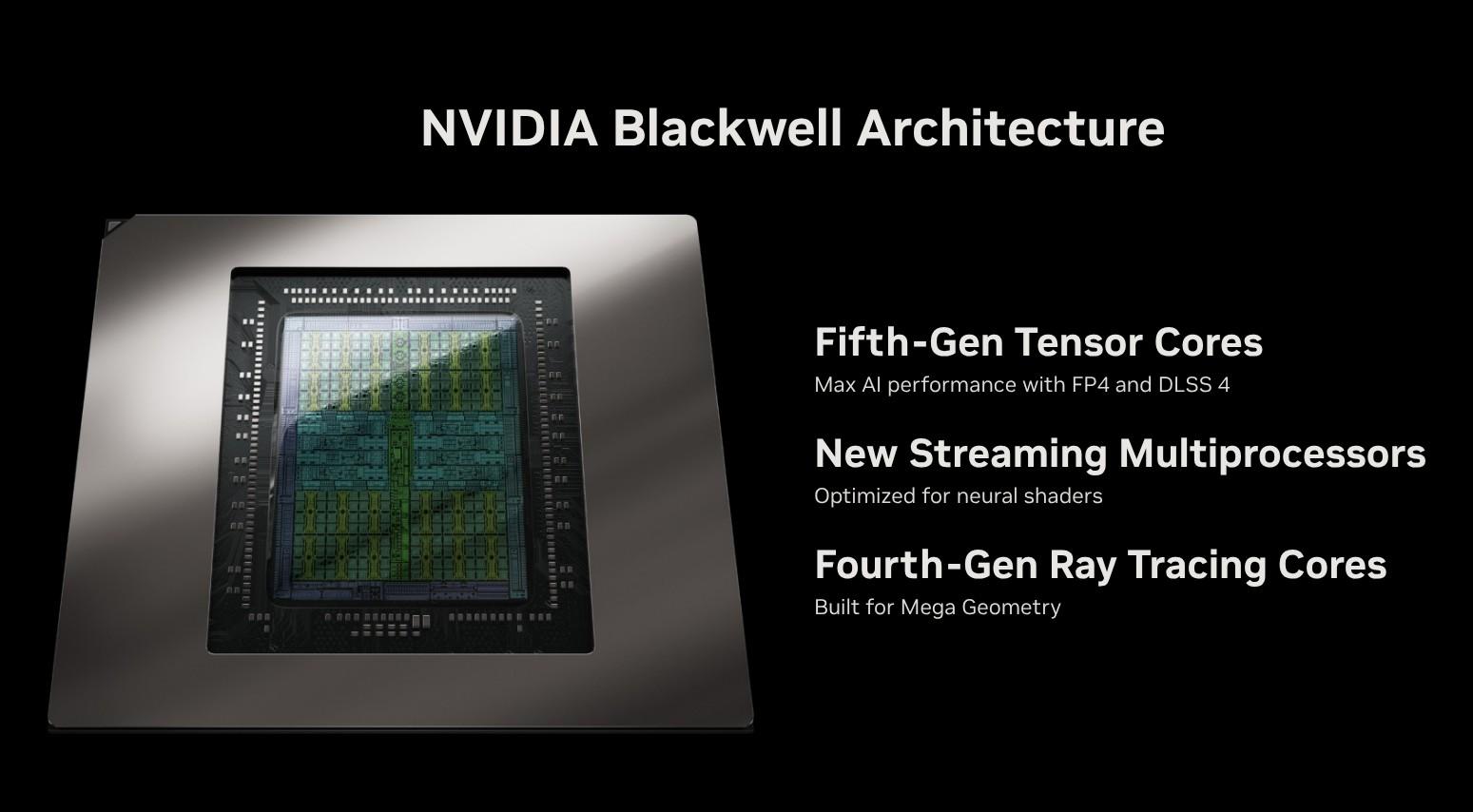
While competitively priced at $250, price/performance ratio lags behind alternatives like the RTX 5060 and RX 9060 XT.
Read article
The Radeon RX 9060 XT brings meaningful generational improvements, especially in ray tracing and AI-based upscaling. With a competitive price (if it holds), future-ready features,…
Read articleReady to connect the parts?
Check compatibility, estimate system performance, understand component balance, and review price and power in one place.
%20DDR4-3200MHz%20Gallery/ad62f548e183_RPeea9O.jpg)