Message


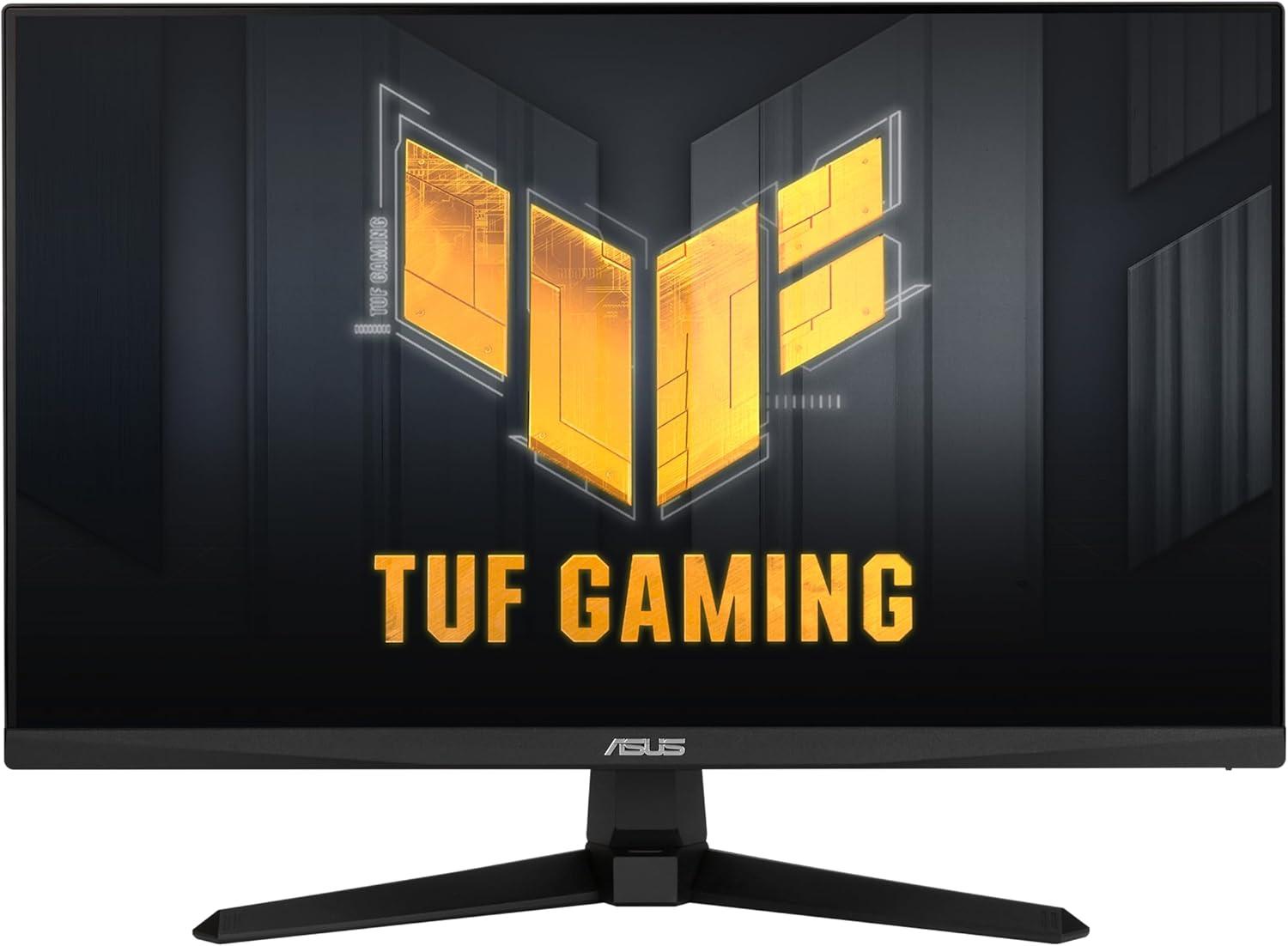
ASUS TUF Gaming VG259Q3A

Prime FBA
As an Amazon Associate I earn from qualifying purchases.

ASUS TUF Gaming VG259Q3A Review & Specifications

TUF Gaming VG259Q3A by ASUS from the TUF Gaming series, is a 24.50″ IPS monitor with a resolution of 1920 × 1080 pixels and a refresh rate of up to 180 Hz. It supports a 8-bit color depth, displays up to 16777216 colors, and offers the following color space coverage: 99.00% sRGB . The panel delivers 250 nits of brightness, has a static contrast ratio of 1000:1. It has a pixel density of 89 PPI, with viewing angles of 178 ° (degrees)° horizontal and 178 ° (degrees)° vertical. The screen covers 89.47% of the front surface. It uses a W-LED backlight and has a Anti-glare/Matte screen coating. Built-in 2 x 2 W (watts) speakers are included. Typical power consumption is 18.00 W.

General Work Usage

The ASUS TUF Gaming VG259Q3A scores a basic 45.7% in productivity, suggesting it may not be well-suited for demanding office work or long-duration professional use. It utilizes an IPS panel—a top-tier choice for productivity. IPS and similar panels deliver exceptional color accuracy, wide viewing angles, and consistent brightness across the screen. Their resistance to burn-in makes them especially well-suited for prolonged use involving static content like spreadsheets, toolbars, and text editors. The monitor’s resolution of 1920×1080 offers a more modest workspace, potentially limiting multitasking or spreadsheet-heavy workflows. A lower pixel density of 89 ppi can lead to visible pixelation, reducing visual comfort for reading and detailed work, especially on larger screens. With a brightness level of 250 nits, this monitor may appear dim in bright office settings, making it less suitable for environments with strong ambient light.

The ASUS TUF Gaming VG259Q3A has color space coverage of: 99.00% sRGB , which gives this monitor moderate color gamut coverage, acceptable for general media consumption, light image editing, or office tasks involving visuals. However, it may not display colors as accurately or vibrantly as wide-gamut monitors. The combination of standard 8-bit panel and average gamut coverage means this display is best used for basic content rather than any precision visual work.

The work performance-per-price ratio of the ASUS TUF Gaming VG259Q3A is 61.8%, placing it in the mid-value category. Although its cost-effectiveness is acceptable, the modest 45.7% suitability may limit its role to light or occasional productivity use.

Gaming and Media Usage

The ASUS TUF Gaming VG259Q3A earns a solid 68.3% rating for gaming and media use, offering smooth visuals, decent color accuracy, and responsive performance that will satisfy most gamers and movie enthusiasts. It utilizes an IPS panel, which is widely appreciated for accurate color reproduction, wide viewing angles, and consistent brightness. These panels are a balanced and reliable choice for gamers who enjoy vivid visuals and moderate HDR. High-end IPS models often support local dimming zones and high peak brightness levels, enhancing the experience in HDR games and bright rooms. While response times are slightly slower than OLED or TN, recent advancements have greatly reduced motion blur and input lag. With a resolution of 1920×1080, this monitor offers standard image quality. While less visually sharp than higher-res options, it allows for higher frame rates and reduced GPU load — often preferred in competitive or budget-conscious gaming setups. The monitor features an ultra-high refresh rate of 180 Hz, ideal for competitive gaming, fast-paced shooters, and high-FPS esports titles, but the slow response time may introduce noticeable ghosting or motion blur in competitive scenarios.

This monitor includes basic ergonomic features, sufficient for general use but potentially limiting in scenarios that involve prolonged screen time without additional adjustments, and features limited connectivity, which could be restrictive for users with more complex or peripheral-heavy configurations.

Specific ergonomic adjustments and connectivity details can be found in the specifications section below.

Performance per Price

The gaming performance-per-price ratio of the ASUS TUF Gaming VG259Q3A is 64.6%, placing it in the mid-value category. The monitor’s average gaming suitability score of 68.3% suggests it may be better suited for casual or mixed-use setups rather than dedicated gaming rigs.

The ASUS TUF Gaming VG259Q3A falls into the mid-value range, with a performance-per-price score of 68.1%. Its average build quality (50.4 pts) may limit its appeal compared to other similarly priced options, though the value score remains competitive.

Monitor Information

ManufacturerASUS
Monitor ModelTUF Gaming VG259Q3A
Monitor SeriesTUF Gaming
Current Price Amazon $148
Amazon Price Updated 1 week, 5 days ago.
Launch Date2 years, 6 months ago.
Monitor AvailableTrue
Panel Size / Type24.50" / IPS
Resolution1920 x 1080 pixels, Full HD / 1080p
Refresh Rate / Response Time180 Hz / None ms
Brightness / Contrast 250 nits / 1000:1
Color Depth / Coverage 8-bit / sRGB: 99.00%
Pixel Density89 PPI
Viewing Angles178 ° (degrees)° / 178 ° (degrees)°
Screen Ratio / Curvature Screen-to-Body Ratio: 89.47% , Flat screen
Backlight / Coating W-LED
Anti-glare/Matte
Speakers2 x 2 W (watts)
Power Consumption Typical: 18.00 W

Performance and Features Evaluation (Max 100 pts)

Calculated Performance and Performance per Price Scores

Additional Features and Information

Connectivity2 x HDMI 2.0, 1 x DisplayPort 1.4, 1 x 3.5 mm Audio Out
Ergonomic Adjustments Tilt , VESA Mount (100x100mm)
Included AccessoriesDisplayPort cable, HDMI cable
Additional FeaturesAdaptive-Sync technology, Color Temperature Selection (4 modes), DisplayWidget Center, Extreme Low Motion Blur (ELMB), Flicker-free technology, GameFast Input, GamePlus (Crosshair / Timer / FPS Counter / Display Alignment), Low Blue Light, Shadow Boost, Trace Free technology

TUF Gaming VG259Q3A Compared to Monitors with Similar Performance and Features

Monitor Quality & Features per Price Table

Brand Monitor (Desc) Price (Desc) Work (Desc) Play (Desc) Overall (Desc) Work/$ (Desc) Game/$ (Desc) Overall/$ (Desc)
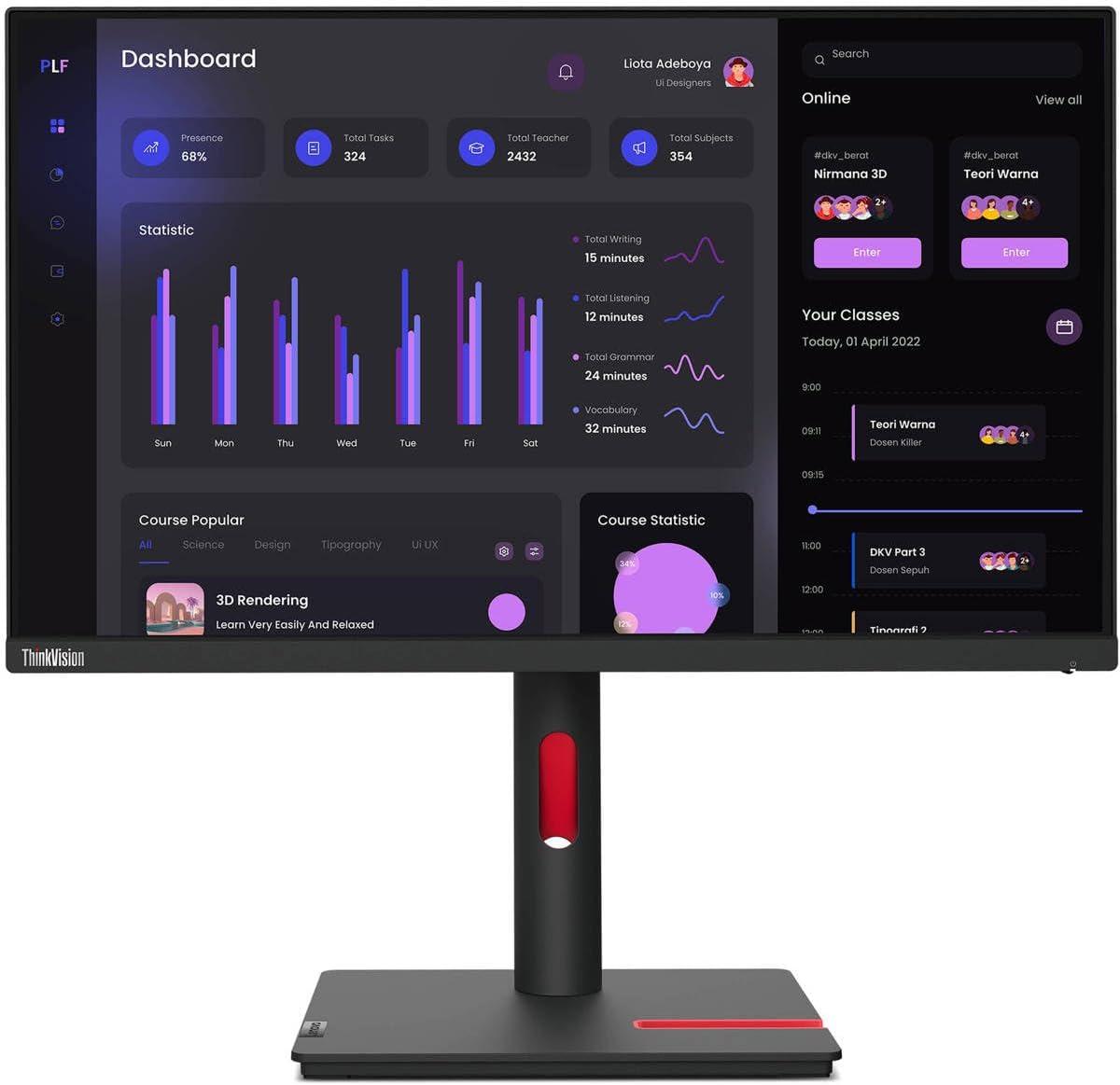
Lenovo
ThinkVision T24i-30
$175 | ↓ -7.7%
54.2%
59.5%
49.8%
61.9%
47.6%
56.9%
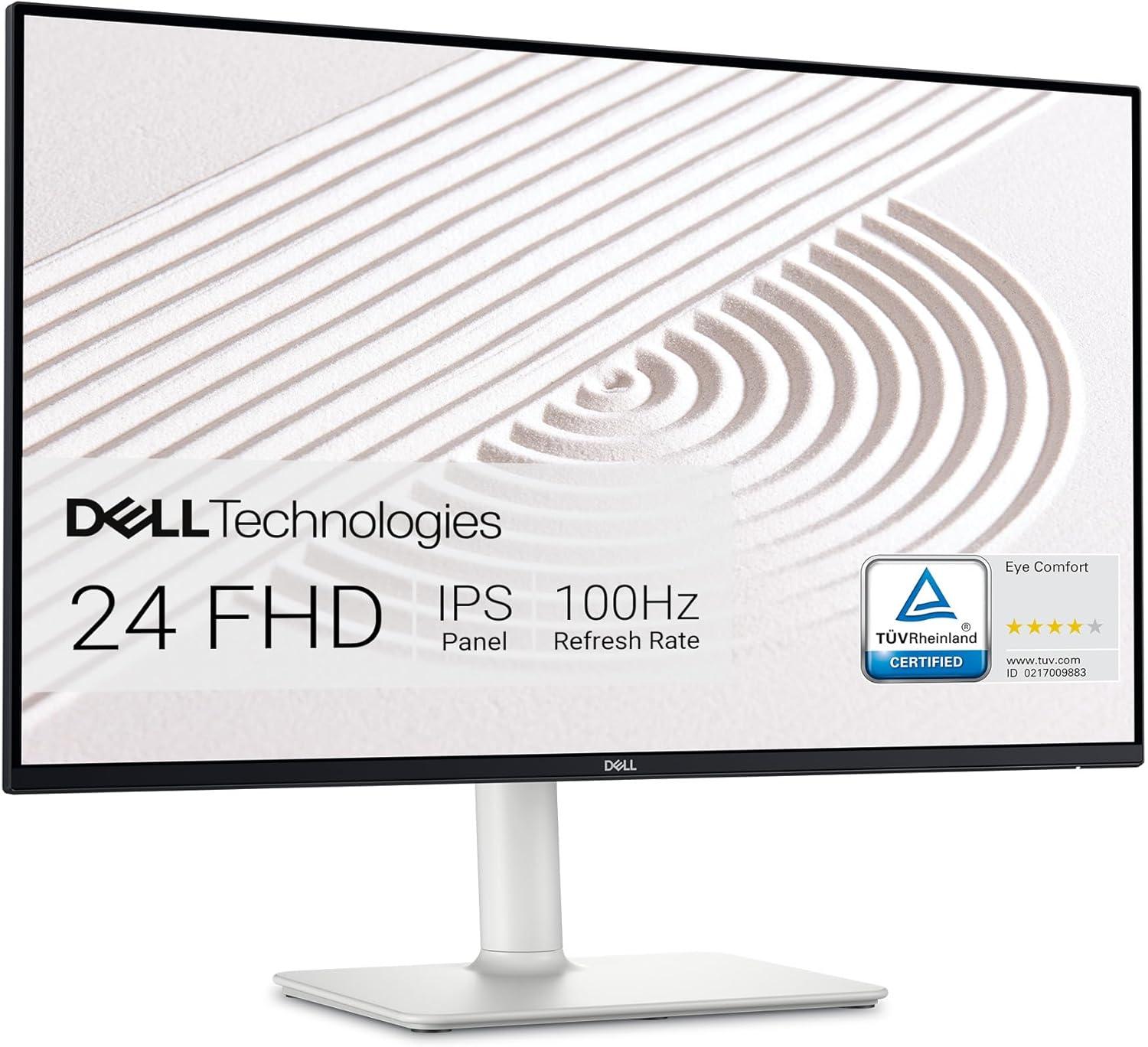
Dell
S2425HS
$130❗ | 0.0%
51.1%
62.3%
50.5%
78.6%
67.1%
77.7%
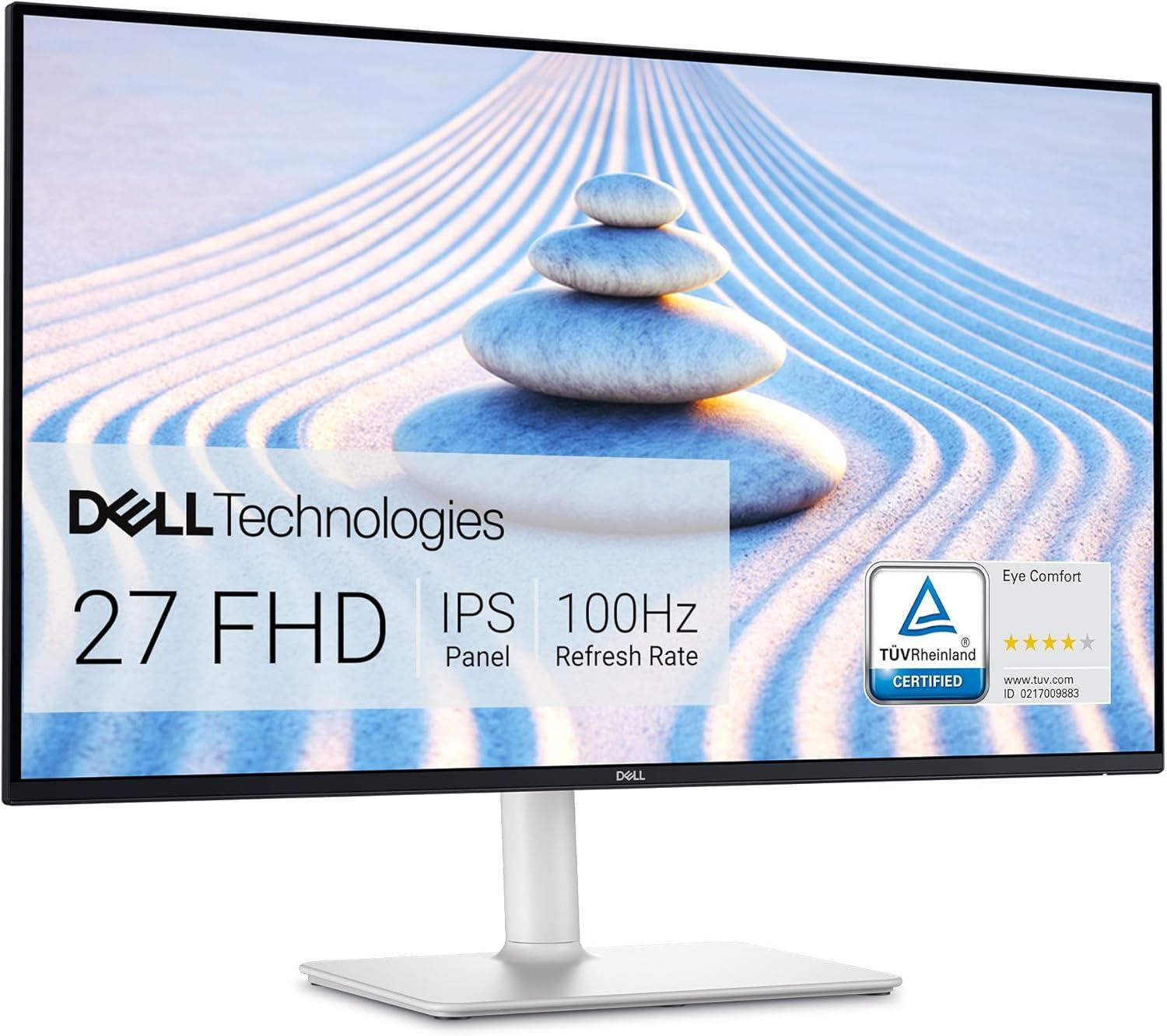
Dell
S2725HS
$158 | ↓ -1.3%
50.8%
62.7%
50.7%
64.3%
55.6%
64.2%
ASUS
TUF Gaming VG259Q3A
$148 | 0.0%
45.7%
68.3%
50.4%
61.8%
64.6%
68.1%
Acer
Nitro 27 Inch Full HD КG241Y X1biip
$0 | 0.0%
45.5%
68.0%
50.1%
N/A N/A N/A
Acer
Nitro КG241Y X1biip
$0 | 0.0%
45.5%
68.0%
50.1%
N/A N/A N/A
acer
Nitro 27 Inch 1500R XZ270
$234 | 0.0%
45.5%
65.0%
50.5%
38.8%
38.8%
43.1%
BenQ
ZOWIE XL2586X+
$700❗ | ↓ -17.7%
45.3%
64.5%
50.4%
12.9%
12.9%
14.4%
BenQ
ZOWIE XL2566X+
$650 | 0.0%
44.8%
64.0%
50.0%
13.8%
13.8%
15.4%

Monitor Comparison and Detail Specifications Table

Specification
ThinkVision T24i-30
Lenovo ThinkVision T24i-30
S2425HS
Dell S2425HS
S2725HS
Dell S2725HS
TUF Gaming VG259Q3A
ASUS TUF Gaming VG259Q3A

No image available

Acer Nitro 27 Inch Full HD КG241Y X1biip

No image available

Acer Nitro КG241Y X1biip
Nitro 27 Inch 1500R XZ270
acer Nitro 27 Inch 1500R XZ270
ZOWIE XL2586X+
BenQ ZOWIE XL2586X+
ZOWIE XL2566X+
BenQ ZOWIE XL2566X+
Perf Chart
Price
$175 | ↓ -7.7%
$130❗ | 0.0%
$158 | ↓ -1.3%
$148 | 0.0%
$0 | 0.0%
$0 | 0.0%
$234 | 0.0%
$700❗ | ↓ -17.7%
$650 | 0.0%
Brand Lenovo Dell Dell ASUS Acer Acer acer BenQ BenQ
Size / Type 23.80" / IPS 23.80" / IPS 27.00" / IPS 24.50" / IPS 23.80" / IPS 23.80" / IPS 27.00" / VA 24.10" / TN 24.10" / TN
Resolution 1920 × 1080 1920 × 1080 1920 × 1080 1920 × 1080 1920 × 1080 1920 × 1080 1920 × 1080 1920 × 1080 1920 × 1080
Hz / Response 60 Hz / 4.00 ms 100 Hz / 4.00 ms 100 Hz / 4.00 ms 180 Hz / No data ms 200 Hz / No data ms 200 Hz / No data ms 240 Hz / 5.00 ms 600 Hz / No data ms 400 Hz / No data ms
Nits / Contrast 250 nits / 1000:1 250 nits / 1500:1 300 nits / 1500:1 250 nits / 1000:1 250 nits / 1000:1 250 nits / 1000:1 250 nits / 2500:1 320 nits / 1000:1 320 nits / 1000:1
Color / Coverage 8-bit / sRGB: 9.00% 8-bit / sRGB: 99.00% 8-bit / sRGB: 99.00% 8-bit / sRGB: 99.00% 8-bit / sRGB: 99.00% 8-bit / sRGB: 99.00% 8-bit / NTSC: 72.00% 8-bit / sRGB: 99.00% No data-bit / sRGB: 99.00%
Pixel Density 92 PPI 92 PPI 81 PPI 89 PPI 92 PPI 92 PPI 81 PPI 91 PPI 91 PPI
Curvature Flat Flat Flat Flat Flat Flat 1500R Flat Flat
Backlight W-LED W-LED W-LED W-LED W-LED W-LED W-LED W-LED W-LED
Coating Anti-glare/Matte Anti-glare/Matte (3H) Anti-glare/Matte (3H) Anti-glare/Matte Glossy Glossy Anti-glare/Matte (3H) Anti-glare/Matte Anti-glare/Matte
Speakers 2 x 5 W (watts) 2 x 5 W (watts) 2 x 2 W (watts) 2 x 2 W (watts) 2 x 2 W (watts) 2 x 2 W (watts)
HDR No data No data No data No data HDR10 HDR10 No data No data No data
Local Dimming
Power Typical: 14.00W , Max: 51.00W Typical: 14.50W , Max: 42.00W Typical: 17.00W , Max: 45.00W Typical: 18.00W Typical: 18.00W , Max: 44.00W Typical: 18.00W , Max: 44.00W Typical: 26.00W , Max: 48.00W , Max: 65.00W Typical: 18.00W , Max: 65.00W
Panel Brand No data No data No data No data No data No data No data No data No data

Monitor Specifications Table

Brand Monitor (Desc) Size Resolution Panel Type Bright. Contrast Depth Hz Resp. Curvature
Lenovo
ThinkVision T24i-30
23.80" 1920 × 1080 IPS 250 nits 1000 : 1 8-bit 60 Hz 4.00 ms Flat
Dell
S2425HS
23.80" 1920 × 1080 IPS 250 nits 1500 : 1 8-bit 100 Hz 4.00 ms Flat
Dell
S2725HS
27.00" 1920 × 1080 IPS 300 nits 1500 : 1 8-bit 100 Hz 4.00 ms Flat
ASUS
TUF Gaming VG259Q3A
24.50" 1920 × 1080 IPS 250 nits 1000 : 1 8-bit 180 Hz None ms Flat
Acer
Nitro 27 Inch Full HD КG241Y X1biip
23.80" 1920 × 1080 IPS 250 nits 1000 : 1 8-bit 200 Hz None ms Flat
Acer
Nitro КG241Y X1biip
23.80" 1920 × 1080 IPS 250 nits 1000 : 1 8-bit 200 Hz None ms Flat
acer
Nitro 27 Inch 1500R XZ270
27.00" 1920 × 1080 VA 250 nits 2500 : 1 8-bit 240 Hz 5.00 ms 1500 mm
BenQ
ZOWIE XL2586X+
24.10" 1920 × 1080 TN 320 nits 1000 : 1 8-bit 600 Hz None ms Flat
BenQ
ZOWIE XL2566X+
24.10" 1920 × 1080 TN 320 nits 1000 : 1 None-bit 400 Hz None ms Flat

Add Comment on TUF Gaming VG259Q3A