- CPU support
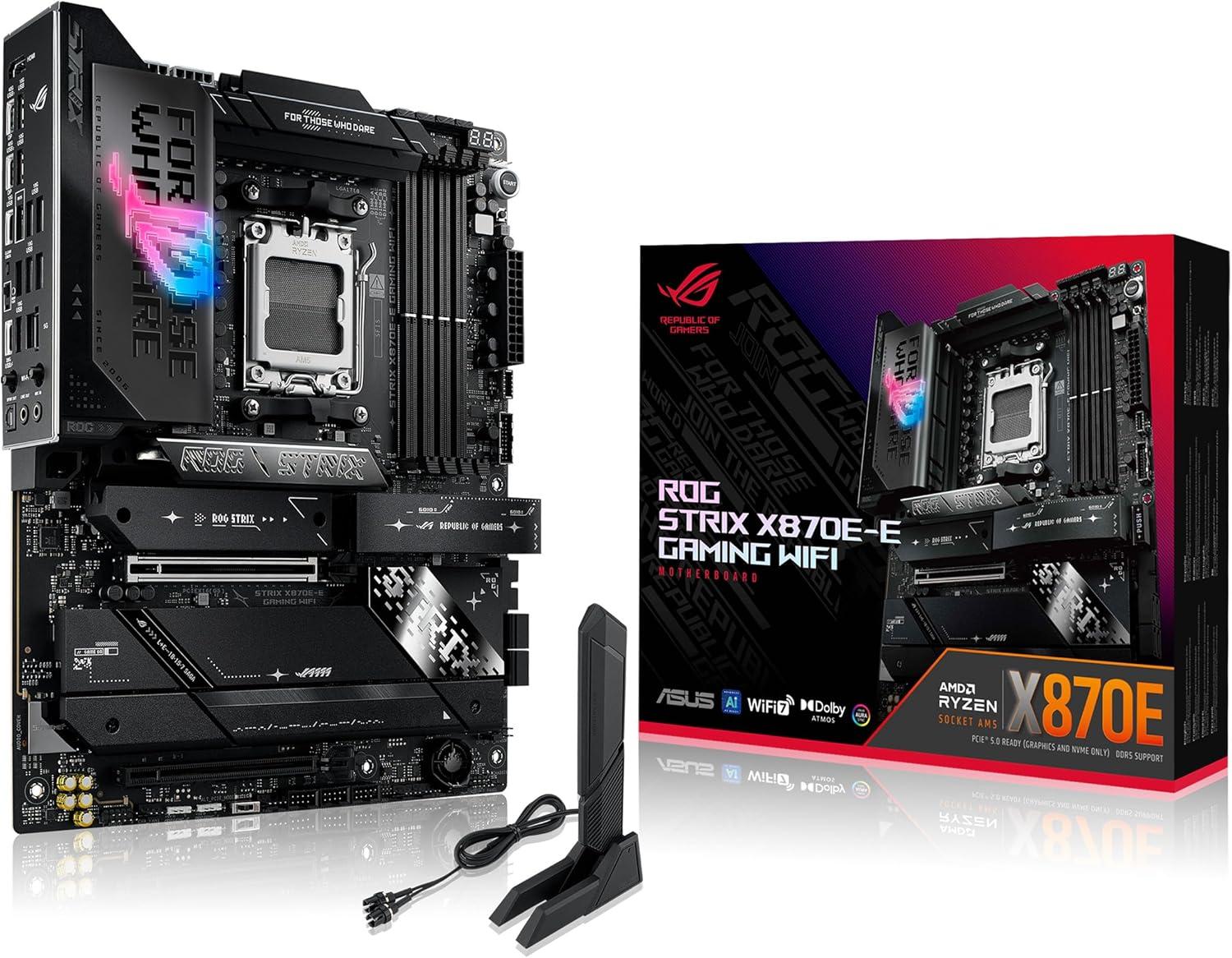
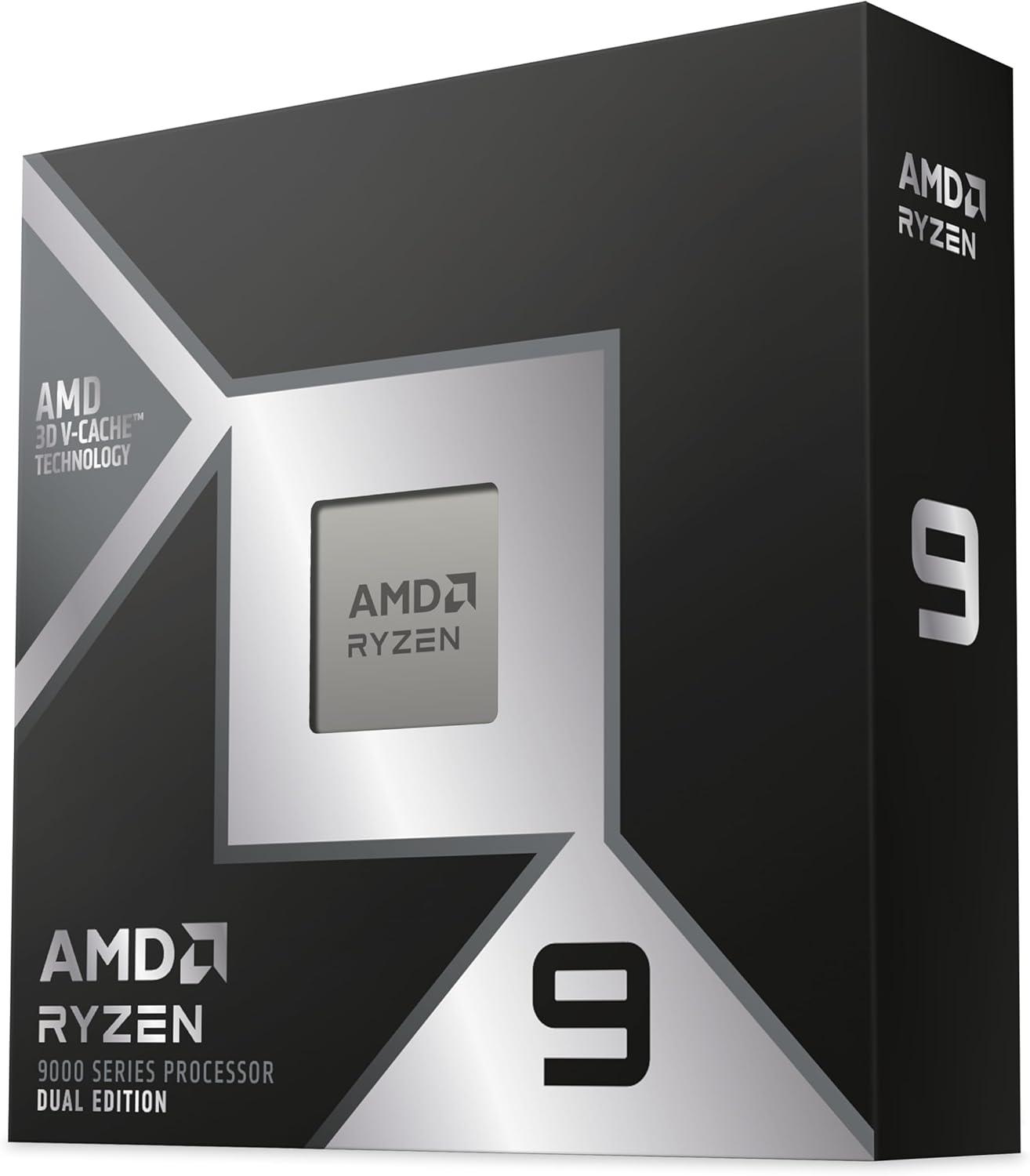
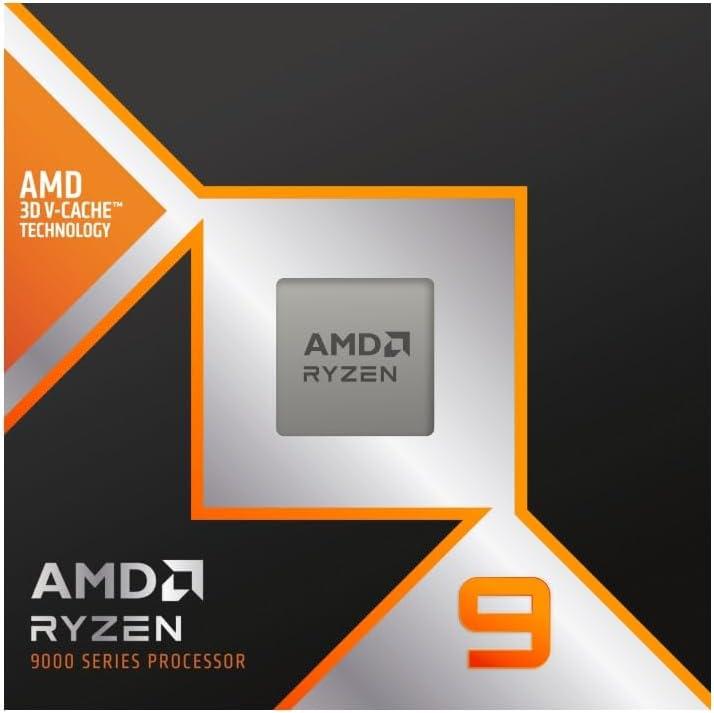
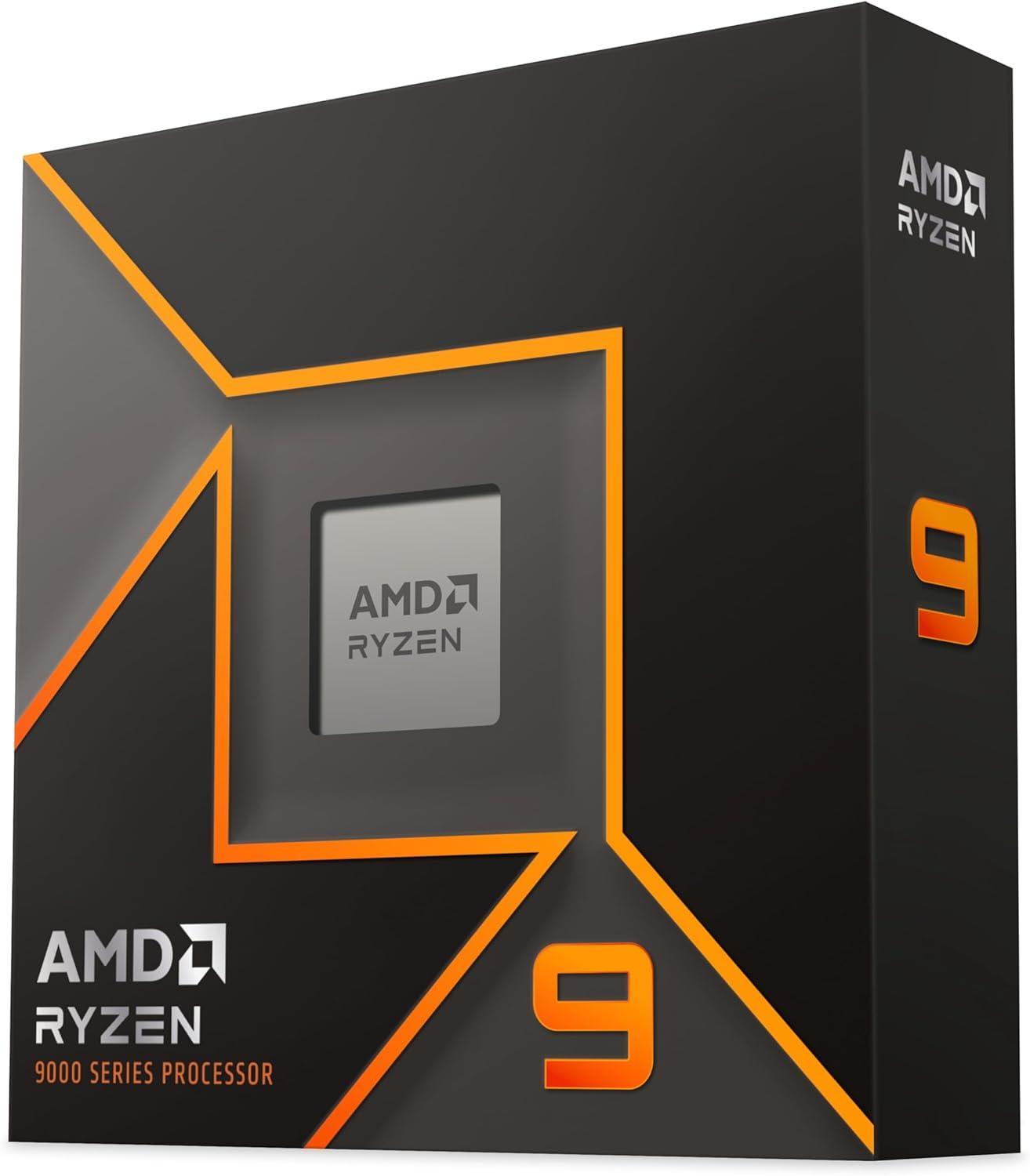
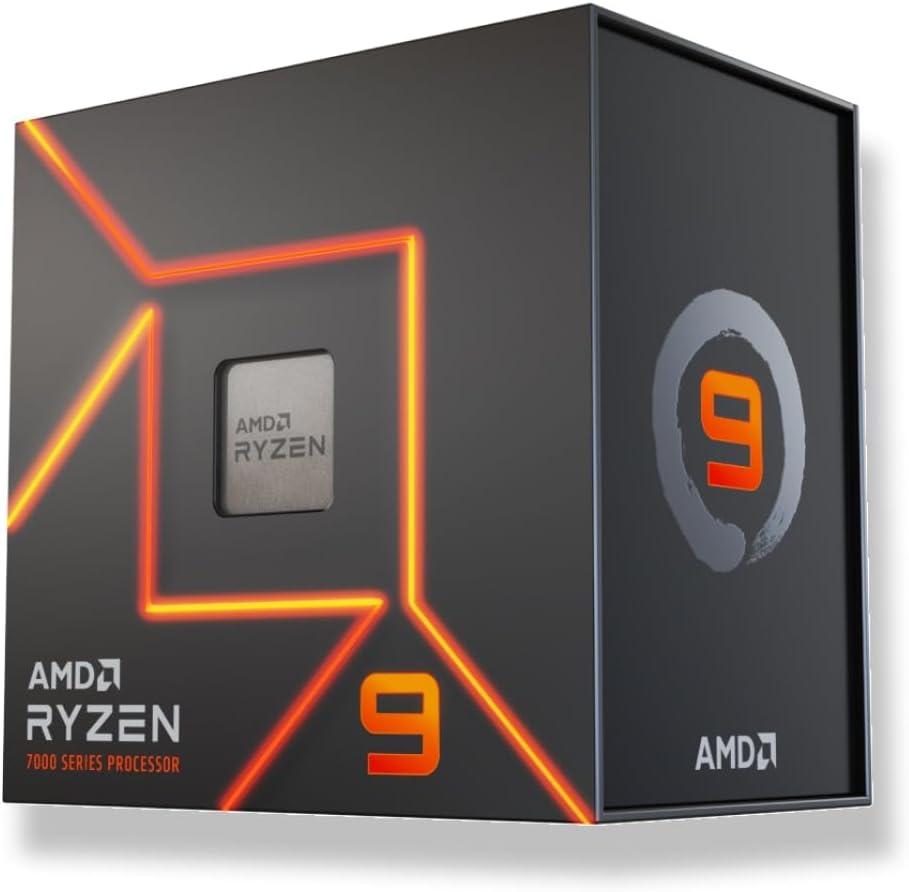
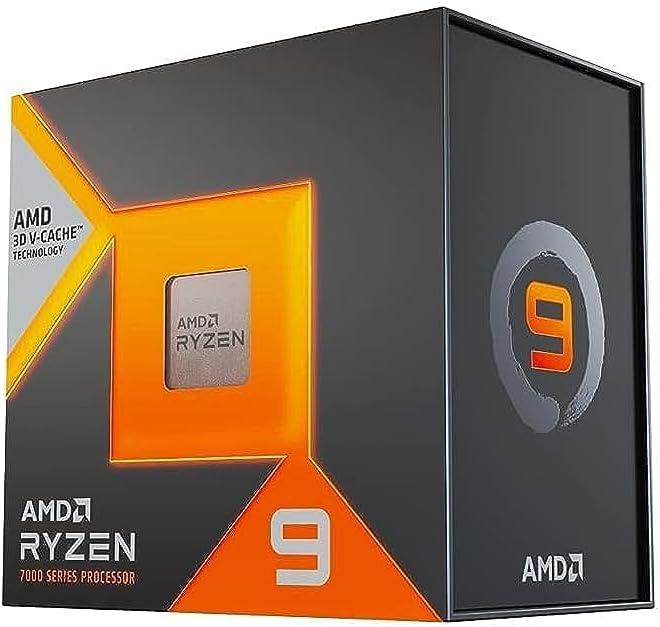
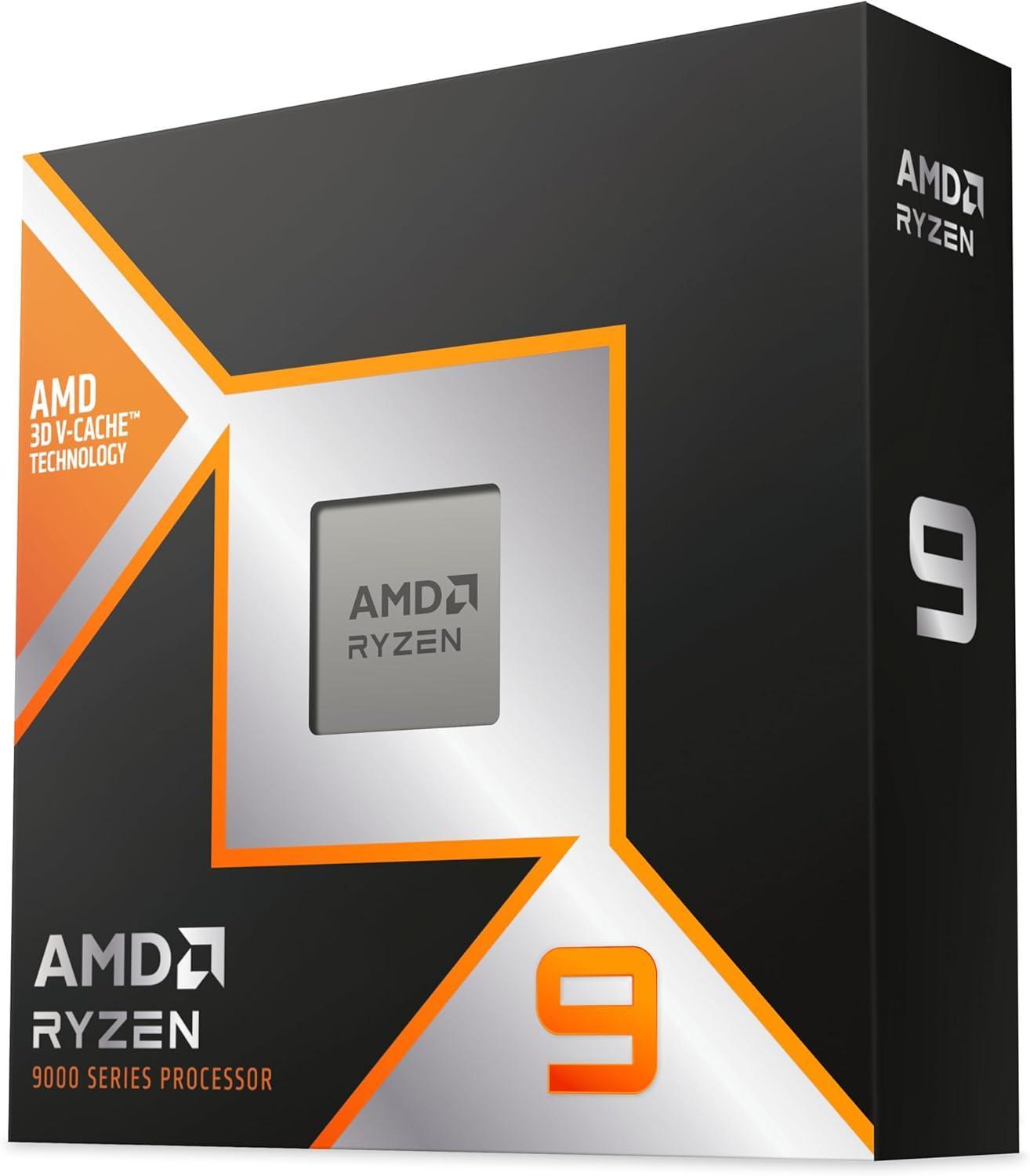
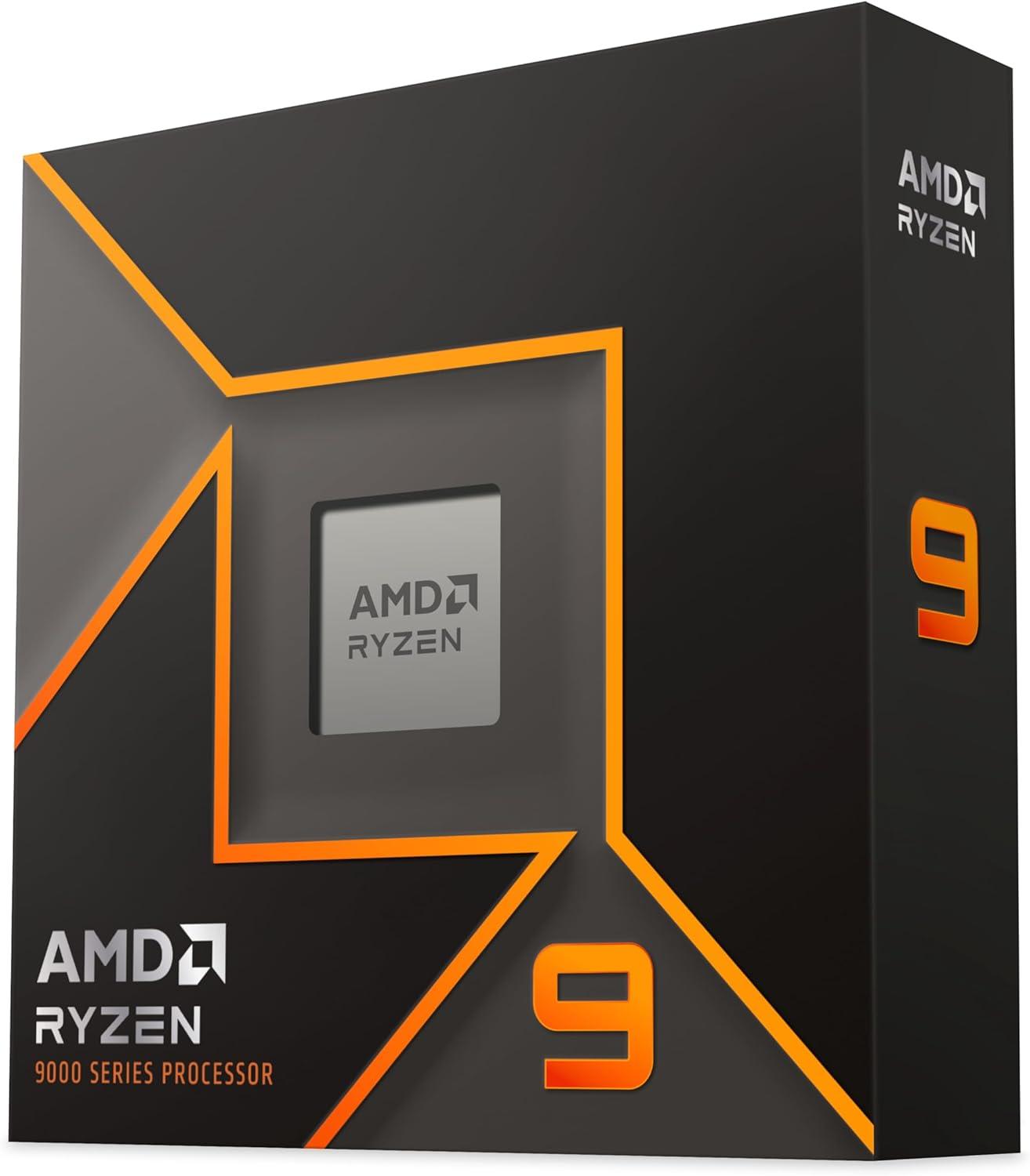
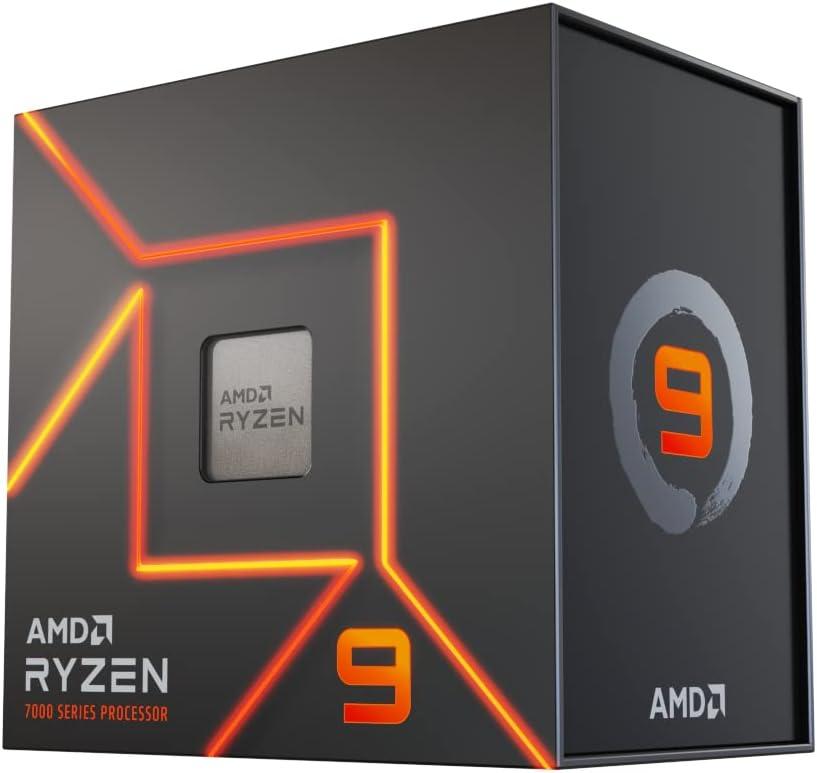
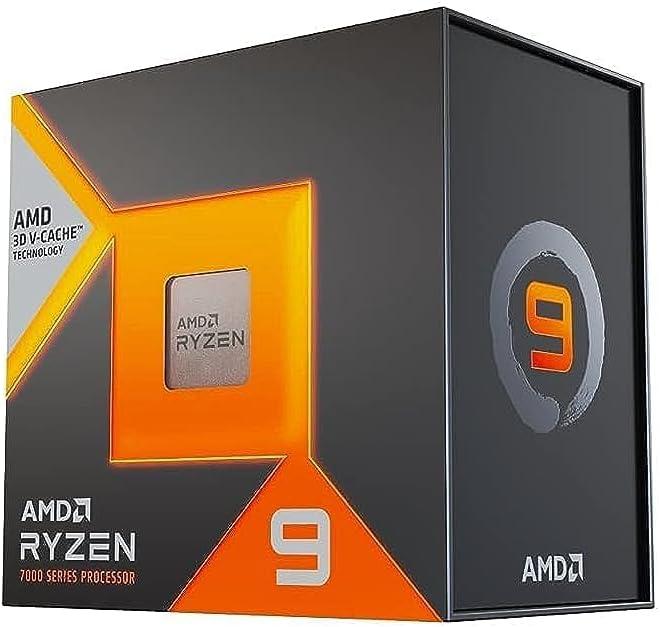
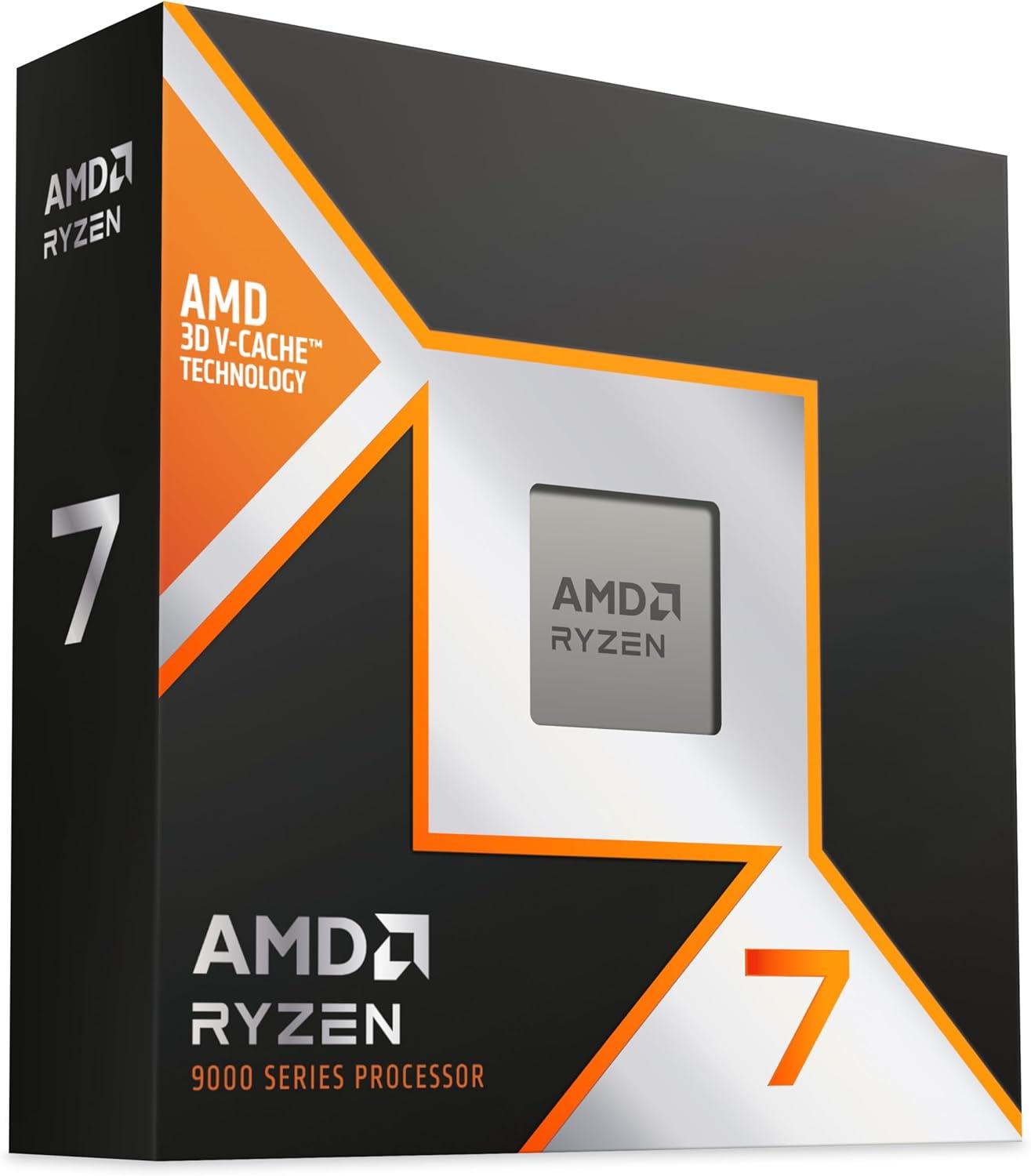
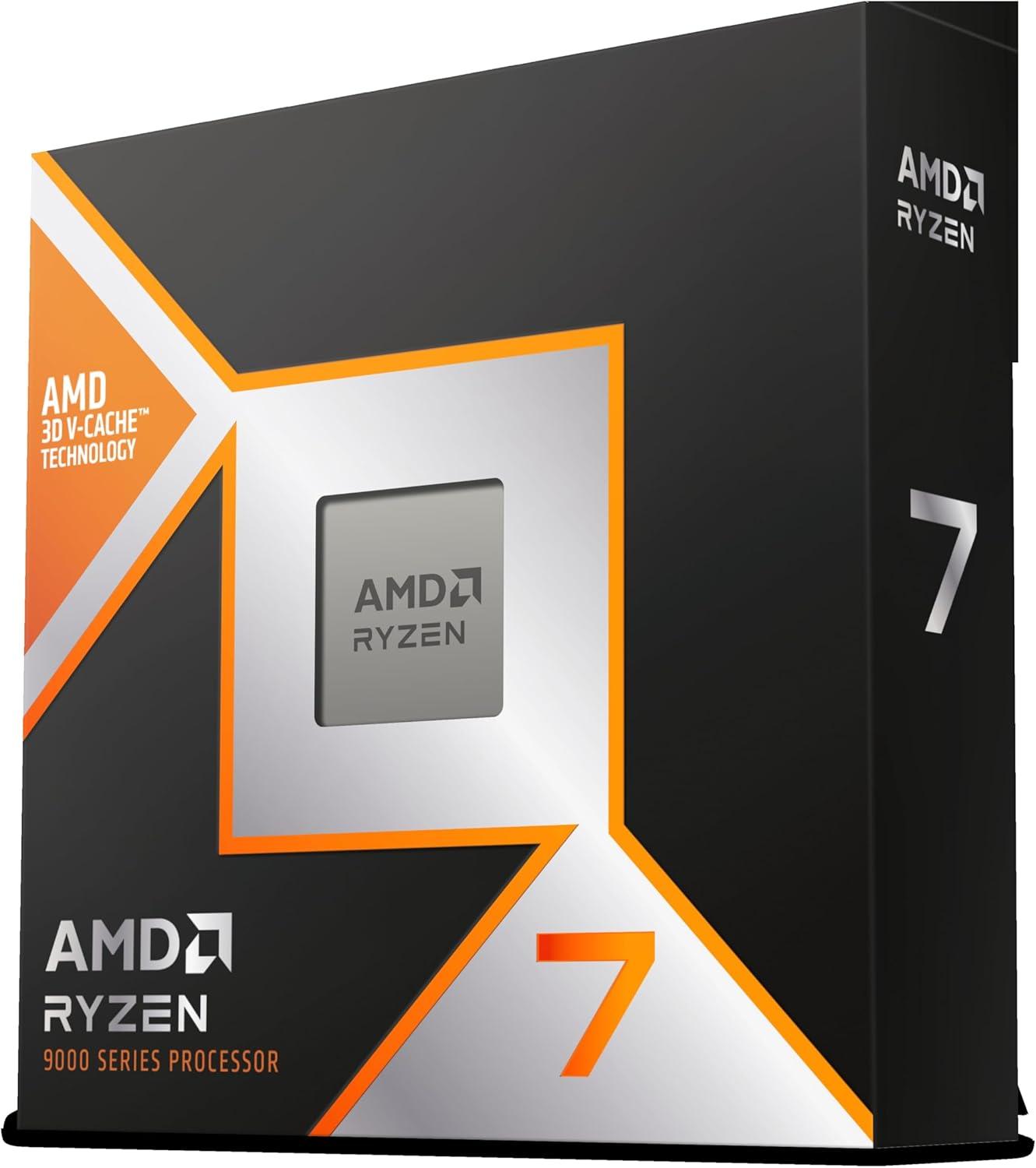
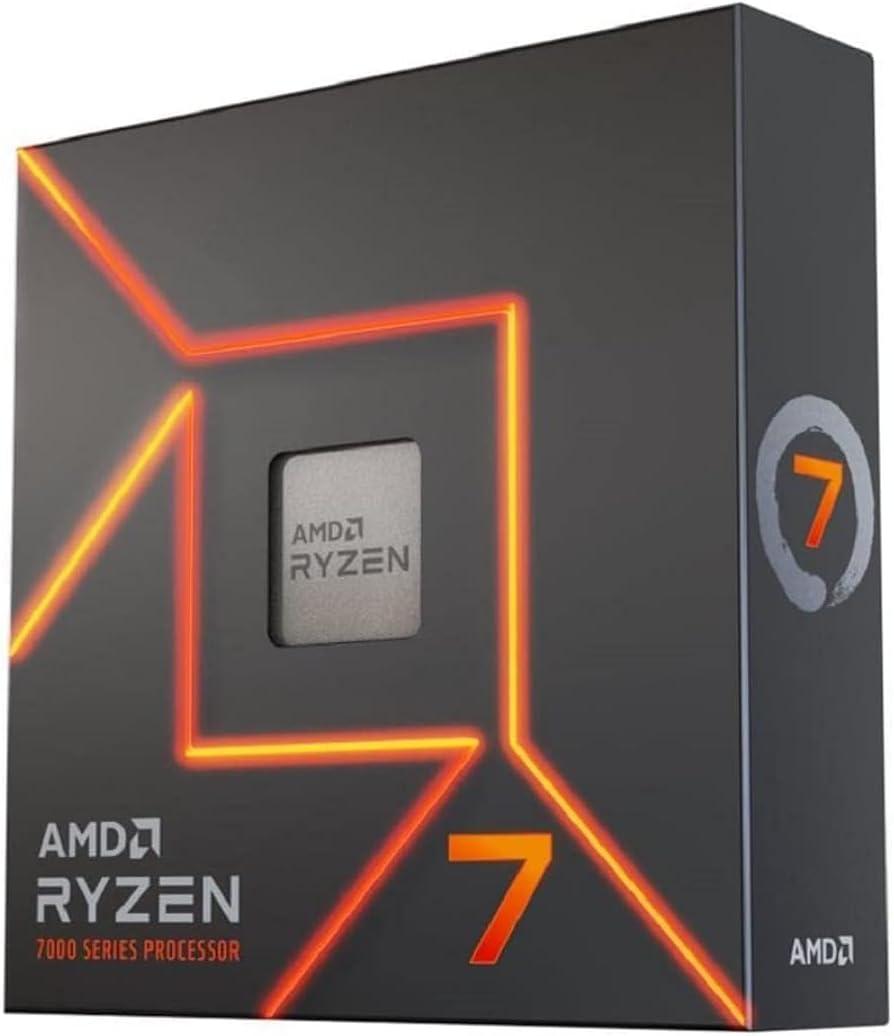
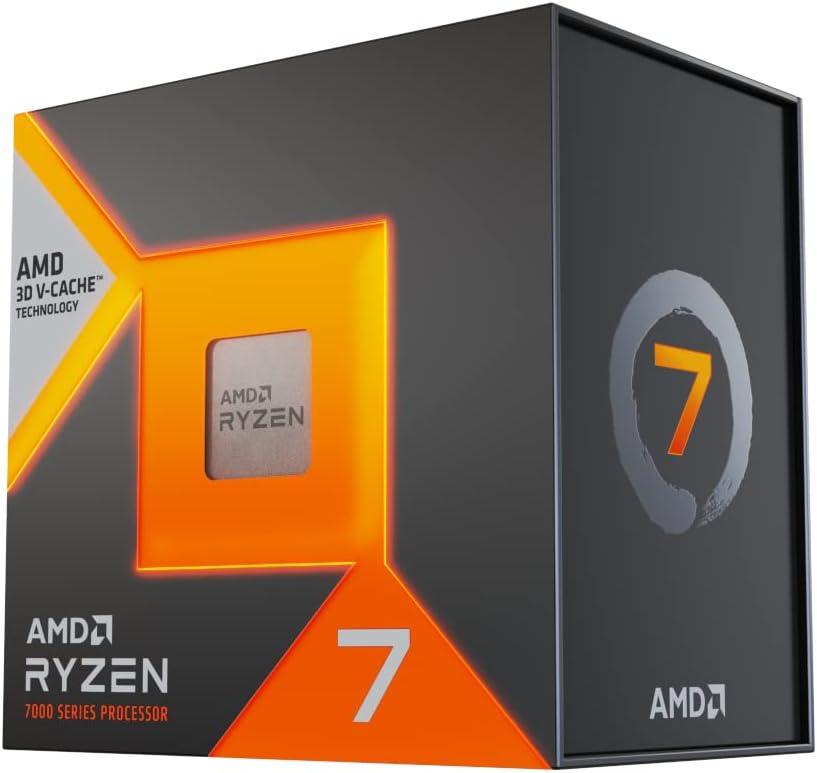
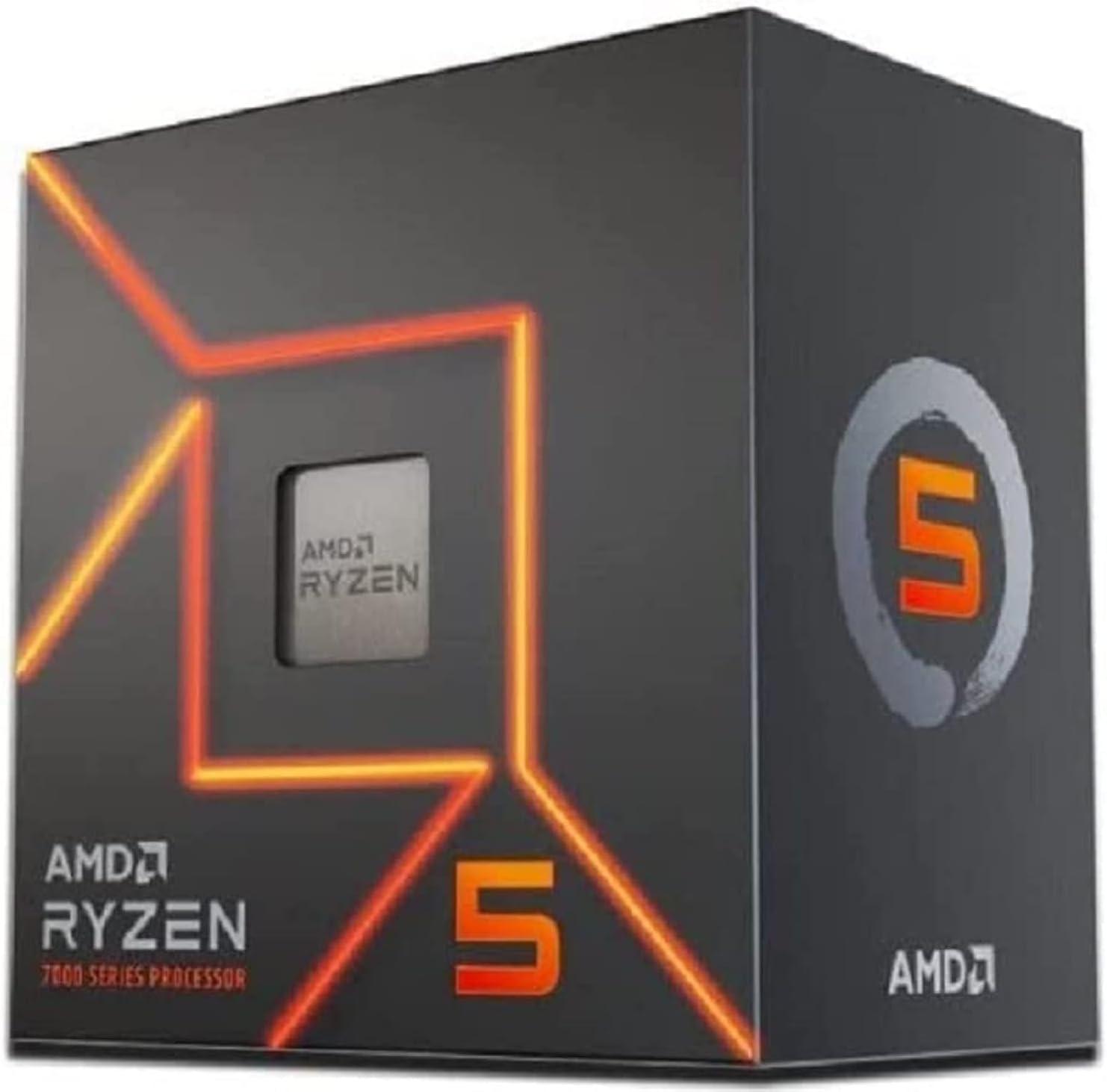
- AMD Socket AM5 for AMD Ryzen™ 9000 & 8000 & 7000 Series Desktop Processors*
* Refer to https://www.asus.com/support/download-center/ for CPU support list.
- OS support
- Windows 11 (22H2 & later)
- Memory notes
- Supports DDR5 un-buffered memory only. Supports both ECC and non-ECC un-buffered modules (Non-ECC DDR5 uses On-Die ECC). Memory speeds and supported module counts vary by CPU and memory configuration; listed OC speeds depend on CPU family. Supports AMD EXPO (EXPO™) and ASUS Enhanced Memory Profile (AEMP) for overclocking. For full CPU/memory compatibility and supported speeds, refer to the CPU/Memory Support list at https://www.asus.com/support/download-center/.
- Display notes
- 2 x USB4 (40Gbps) USB Type-C ports support display outputs (DisplayPort over Type-C). Supports max 4K@60Hz as specified by DisplayPort 1.4a. Graphics specifications and supported resolutions (including VGA) vary depending on the CPU or discrete graphics card; refer to AMD CPU specifications for integrated graphics capabilities.
- Expansion notes
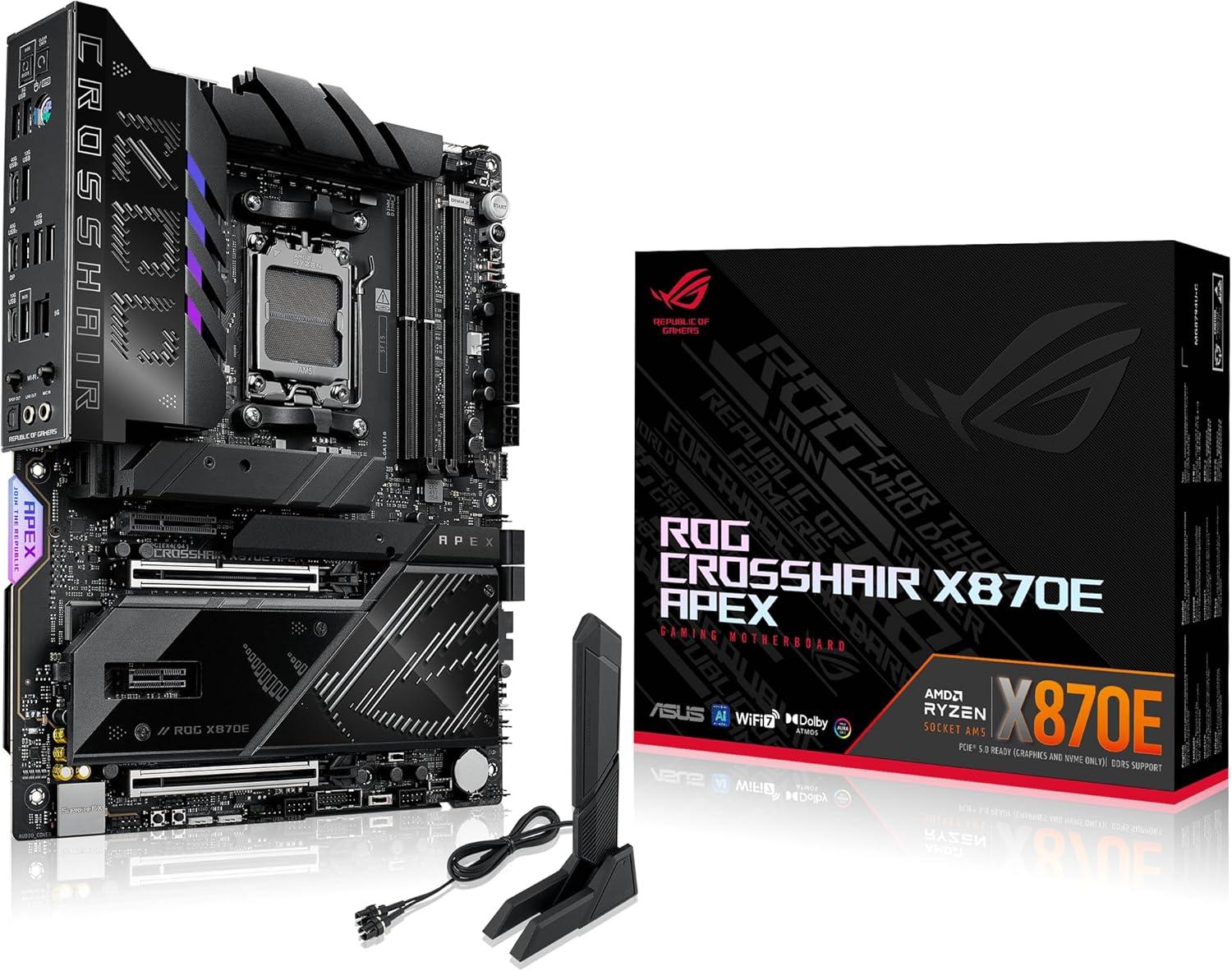
- Maximum supported PCIe generation: PCIe 5.0 (available when using AMD Ryzen 9000 & 7000 series processors). PCIe 5.0 offers roughly double PCIe 4.0 bandwidth and approximately ~64 GB/s total bandwidth for an x16 link (backward compatible with previous PCIe versions). Physical slot summary: two x16 physical slots, one x4 slot (PCIe 4.0 from X870E chipset), and one x1 slot (PCIe 3.0 from chipset). Bandwidth sharing / limitations: the two physical PCIEx16 slots share CPU lanes and can operate in x16 or split modes (supports x16, x8/x8, or x8/x4/x4 depending on CPU and configuration). For some lower-end processors listed (Ryzen 8700/8600/8400 and 8500/8300), the x16 slots are limited to PCIe 4.0 and may disable or reduce the second slot’s bandwidth (e.g., PCIEx16_2 disabled or limited to x4). Specific behaviors noted: when both PCIEX16_1 and PCIEX16_2 are populated they run x8/x8; enabling certain M.2 slots (M.2_2, M.2_3) changes lane allocation (can disable PCIEX16_2 or reduce PCIEX16_1 to x8), see the motherboard bifurcation table on ASUS support for exact configurations (https://www.asus.com/support/FAQ/1037507/).
- M.2_1
- PCIe 5.0 x4 (Ryzen 9000/7000); PCIe 4.0 x4 (Ryzen 8000) 4 · 2242, 2260, 2280 · From CPU (varies by CPU series)
- M.2_2
- PCIe 5.0 x4 (Ryzen 9000/7000); Not supported (Ryzen 8000) 4 · 2242, 2260, 2280 · From CPU (varies by CPU series) — When M.2_2 is enabled and M.2_3 is not in use: PCIEX16_1 runs at x8 and PCIEX16_2 is disabled. When M.2_2 and M.2_3 are both enabled: PCIEX16_1 runs at x8 and PCIEX16_2 is disabled. (Also: M.2_2 support depends on CPU — not supported on Ryzen 8000.)
- M.2_3
- PCIe 5.0 x4 (Ryzen 9000/7000); Not supported (Ryzen 8000) 4 · 2242, 2260, 2280 · From CPU (varies by CPU series) — When M.2_3 is enabled and M.2_2 is not in use: PCIEX16_1 runs at x8 and PCIEX16_2 runs at x4. When M.2_2 and M.2_3 are both enabled: PCIEX16_1 runs at x8 and PCIEX16_2 is disabled. (Also: M.2_3 support depends on CPU — not supported on Ryzen 8000.)
- DIMM.2_1
- PCIe 4.0 x4 4 · 2230, 2242, 2260, 2280, 22110 · From X870E Chipset
- DIMM.2_2
- PCIe 4.0 x4 4 · 2230, 2242, 2260, 2280, 22110 · From X870E Chipset
- Storage notes
- Board supports 5 M.2 slots and 4 SATA 6Gb/s ports. Specifications vary by CPU: Ryzen 9000/7000 enable M.2_1/2/3 at PCIe 5.0 x4; Ryzen 8000 only supports M.2_1 at PCIe 4.0 x4 (M.2_2 and M.2_3 are not supported on Ryzen 8000). DIMM.2_1 and DIMM.2_2 are provided by the X870E chipset and support 2230/2242/2260/2280/22110 at PCIe 4.0 x4. Lane-sharing rules: enabling M.2_2 or M.2_3 affects PCIEX16_1/PCIEX16_2 as described (see interdependencies entries).
- USB notes
- Rear: 2x USB4 (40Gbps, Type-C), 6x 10Gbps (5x Type-A + 1x Type-C), 2x 5Gbps Type-A. Front: 2x 20Gbps Type-C (mapped to USB 3.2 Gen 2x2); one front 20Gbps Type-C explicitly supports up to 60W PD/QC4+. Front also provides 2 USB 5Gbps headers supporting 4 additional USB 5Gbps ports and 2 USB 2.0 headers supporting 4 additional USB 2.0 ports (these header-provided ports are counted above as header_ports). PD details/footnote: USB Type-C PD spec noted 5/9/15/20V max 3A, PPS 3.3–21V max 3A. Internal and back-panel IO sections list similar connectors but were not counted separately per instructions.
- Audio notes
- ROG SupremeFX features: impedance sense for front/rear headphone outputs; jack-detection, multi-streaming, front panel MIC jack-retasking; 120 dB SNR stereo playback and 110 dB SNR recording; supports up to 32-bit/384 kHz playback on front panel. Includes SupremeFX shielding technology, Savitech SV3H712 amplifier, premium audio capacitors, and audio cover. 7.1 output requires a chassis with an HD audio front-panel module. The LINE OUT on the rear does not support spatial audio; spatial audio must be used via front-panel jack or USB audio device.
- Networking notes
- Wi‑Fi module options: Qualcomm QCNCM865 or MediaTek MT7927; 2x2 Wi‑Fi7 (802.11be); 1 x Wi‑Fi module on board. Wi‑Fi features and 6GHz regulatory/bandwidth may vary by OS and country (Windows 11 24H2+ required for full Wi‑Fi7; Windows 11 21H2/22H2/23H2 only support Wi‑Fi 6E; Windows 10 may lack drivers). Bluetooth version may vary per module. ASUS LANGuard present for the Realtek 5Gb Ethernet port.
- Button notes
- Additional front/back-panel controls: 2 x BCLK buttons; 1 x BIOS Switch button; 1 x FlexKey button; 1 x Pause switch; 1 x ReTry button; 1 x Safe Boot button; 1 x Start button; 1 x Slow Mode switch; 2 x RSVD switches. Other related jumpers/switches/features: 1 x Alteration PCIe mode switch; 1 x LN2 Mode jumper; 1 x 80 Light Bar jumper; 3 x Addressable Gen2 headers; 12 x ProbeIt measurement points; 1 x 10⁻¹ pin System Panel header; Front Panel Audio header and Thermal Sensor header also present.
- Fan / RGB headers
- 1 CPU · 1 OPT · 1 AIO · 2 chassis · 3 ARGB · — RGB
- Thermal sensors
- 1
- Other headers
- Front audio · System panel
- Accessories
- ROG DIMM.2 with Heatsink
1 x ROG DIMM.2 with heatsink
1 x M.2 pad for ROG DIMM.2
2 x M.2 screw package for ROG DIMM.2
Additional Cooling Kit
1 x ROG Memory Fan Kit
Miscellaneous
1 x ASUS WiFi Q-Antenna
1 x Q-connector
3 x M.2 Q-Slide package
3 x M.2 rubber package
1 x ROG stickers
1 x ROG thank you card
1 x ROG Bottle Opener
Installation Media
1 x USB drive with utilities and drivers
Documentation
1 x Quick start guide
- Dimensions
- ATX Form Factor12 inch x 9.6 inch ( 30.5 cm x 24.4 cm )
Discussion
Comments on ROG CROSSHAIR X870E APEX
No comments yet.